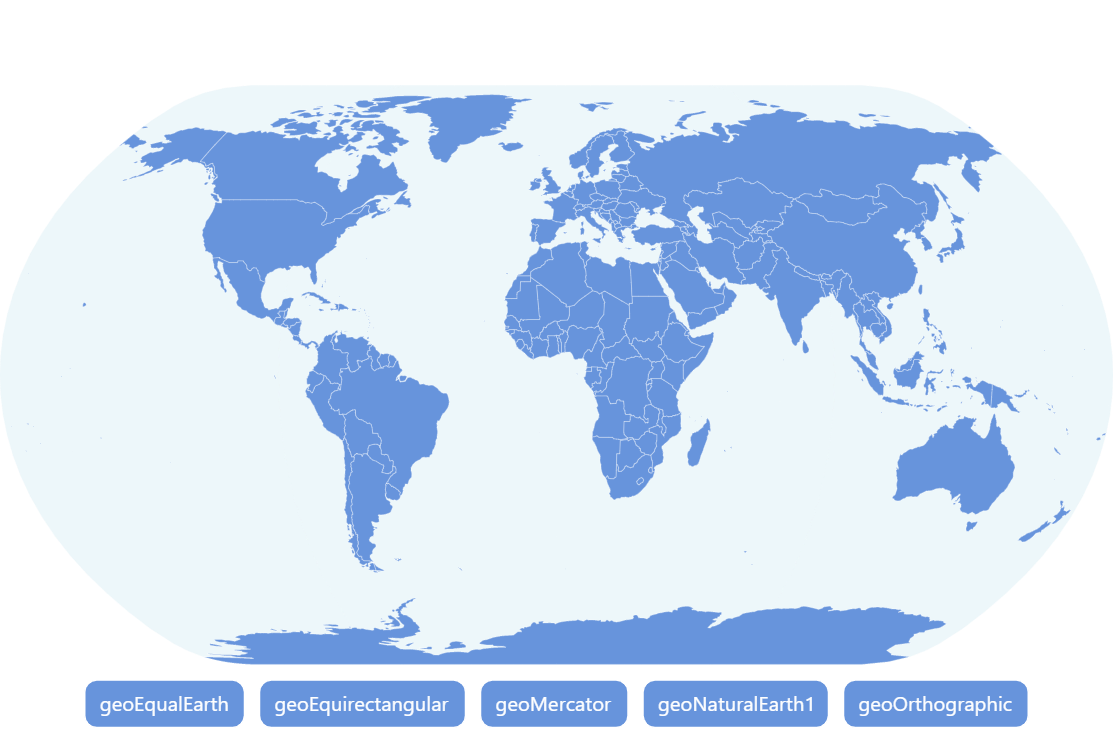
Changing Map Projection
Multi-projection support
amCharts 5 supports different chart projections. Besides a solid list of built-in projections, amCharts 4 Map Chart can use any projection from D3 and related packages.
Changin projection on the fly
It’s easy to change map’s projection on the fly, even if map is already initialized. Just set its projection setting and you’re all set.
Want more fun? try to pan the map!
Build this chart with AI
The prompt below can be used to build this chart with AI. For best coding results, use the most advanced AI models, like Claude Opus 4.6 and GPT-5.3-Codex. For more info and tips, check out amCharts AI docs.
Create a world map that allows dynamically switching between five cartographic projections: Equal Earth, Equirectangular, Mercator, Natural Earth, and Orthographic (3D globe). Display country boundaries with a light blue ocean background. Include a subtle graticule grid. Place five projection toggle buttons in a semi-transparent container positioned at the bottom of the chart. The default projection should be Natural Earth. Apply smooth animated transitions when switching projections. Enable horizontal rotation panning. Use amCharts 5 library.
Demo source