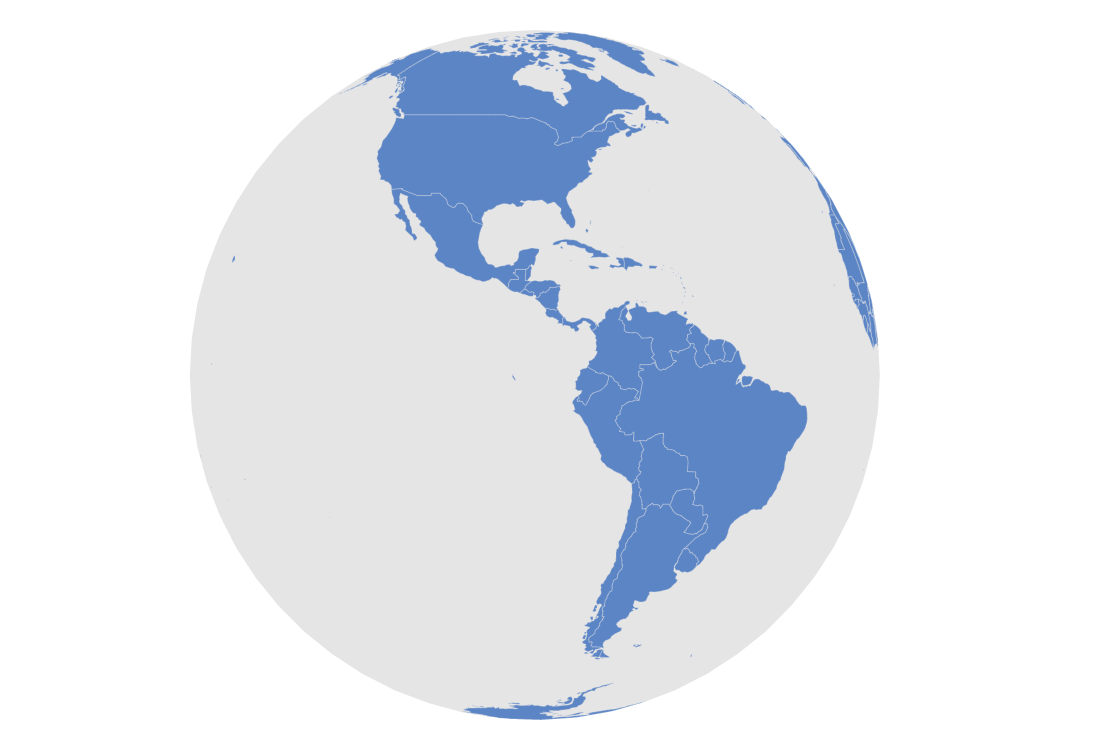
Rotating Globe
Orthographic projection
Orthographic projection allows projection of any map in a globe-like shape.
Go ahead and try to rotate the map! Click and drag to rotate, use mouse wheel to zoom in and out.
Implementation details
We create our MapChart with projection set to geoOrthographic (projection: am5map.geoOrthographic()).
Related demos
Related tutorials
Build this chart with AI
The prompt below can be used to build this chart with AI. For best coding results, use the most advanced AI models, like Claude Opus 4.6 and GPT-5.3-Codex. For more info and tips, check out amCharts AI docs.
Create an auto-rotating 3D globe that displays all world countries. The globe should continuously rotate, completing a full rotation every 30 seconds in an infinite loop. Show a subtle grid overlay and a faint background fill for depth. Support click-and-drag to manually rotate the globe and mouse wheel zooming. Show country name tooltips and allow clicking to select regions. Add an interactive slider control for adjusting the globe's horizontal position. Apply smooth entrance animations. Use amCharts 5 library.
Demo source