Rotating Globe
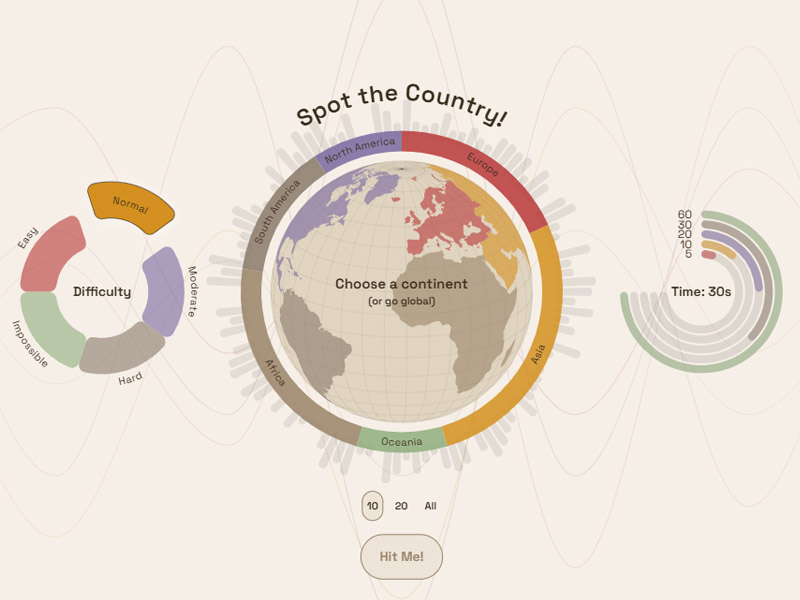
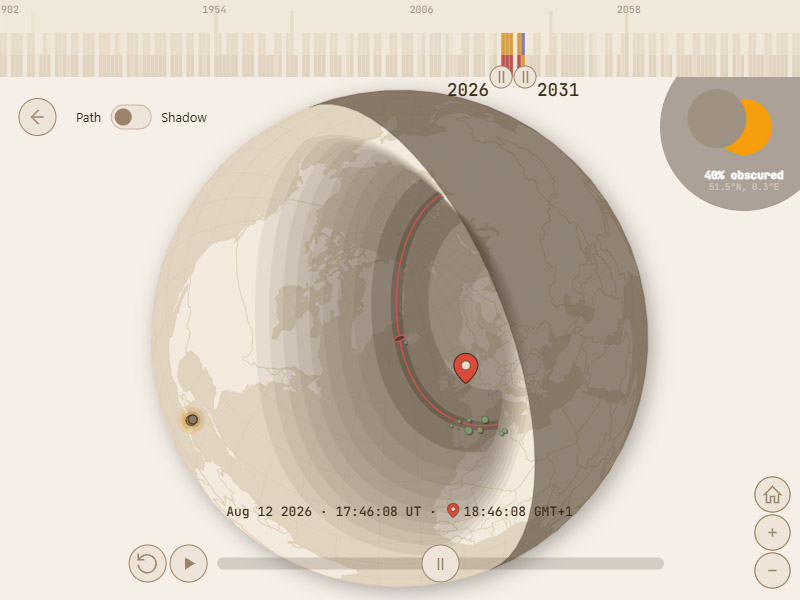
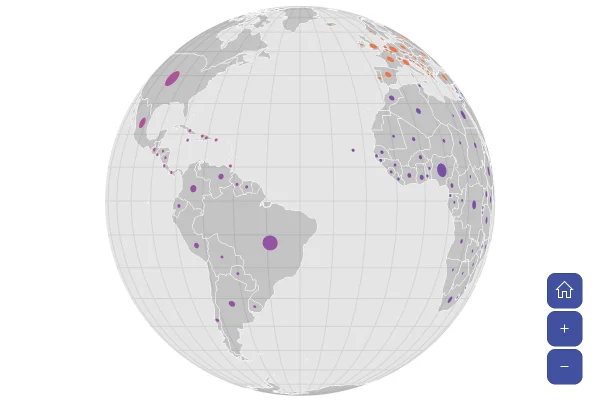
A 3D globe of the world that turns on its own. Satellite view shows the Earth from space.
About this map
What a globe is good for
A globe shows the world the way it looks from space, and invites people to explore.
Good for
- An eye-catching opening for a story, report or landing page
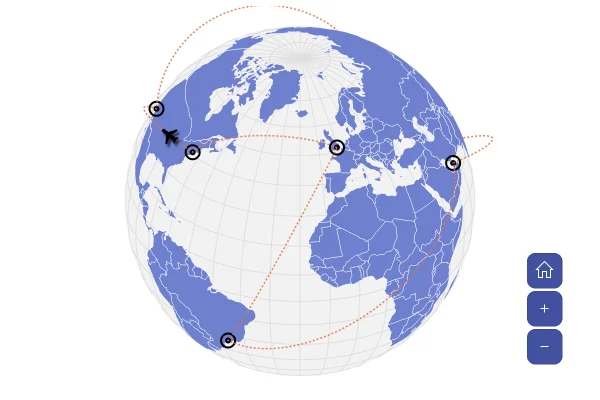
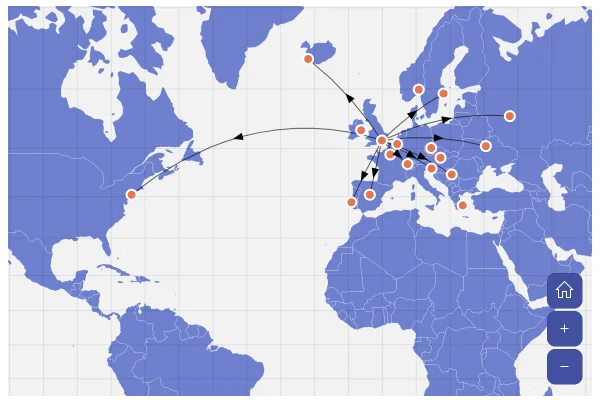
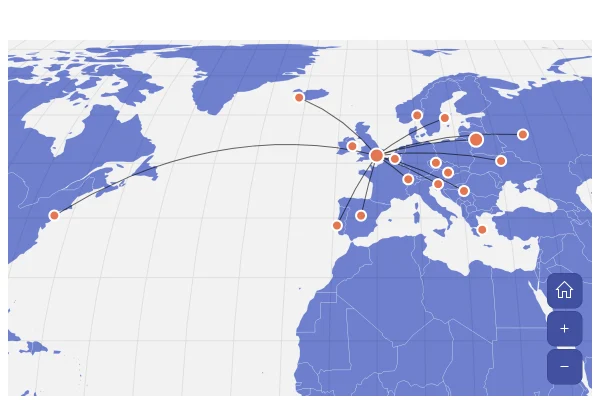
- Routes and connections, especially across the Pacific or the poles
- Highlighting a few countries or cities
Think twice when
- Readers must see every country at once: use a flat map
- Detailed regional data: a zoomed-in country map works better
- Print and static images: only one side shows
For developers
Get the code.
Built with amCharts 5, a JavaScript library. The JavaScript includes your theme and renderer (canvas or SVG); the JSON also follows the changes you make with the controls.
For projects that use npm:
How it reads:
npm install @amcharts/amcharts5 and @amcharts/amcharts5-geodata. See Getting started.
The same chart as a JSON config. Chart Maker reads and writes this format, the library's JSON parser turns it into a chart, and the <am5-chart> element puts it on a page with no code.How it reads:
"type" is the class to create and "settings" what you would pass to its new() in code; "properties" fill in its parts, lists such as series and axes or templates such as columns.template; "refs" holds objects used in more than one place ("#series-0" stands for the one named series-0); a string starting with "@" takes a value from another object, such as "@series.get('fill')".
A complete page. Save it as an .html file and open it in a browser.
Paste this into an AI coding assistant to build the chart from scratch. More in amCharts & AI.
// Create root element
// https://docs.amcharts.com/v5/getting-started/#root-element
var root = am5.Root.new("chartdiv");

// Set themes
// https://docs.amcharts.com/v5/concepts/themes/
root.setThemes([
  am5themes_Animated.new(root),
  am5themes_Responsive.new(root)
]);

// Create the map chart
// https://docs.amcharts.com/v5/charts/map-chart/
var chart = root.container.children.push(am5map.MapChart.new(root, {
  // go to the home view once the map is fitted
  autoHome: true,
  panX: "rotateX",                      // a sideways drag spins the globe
  panY: "rotateY",                      // an up or down drag tilts it
  projection: am5map.geoOrthographic(), // a globe, seen from space
  // hold shift and drag a box to zoom into it
  boxZoom: "shift",
  minZoomLevel: 0.5,                    // zoom out to half the fitted size at most
  // start, and go home, slightly zoomed out, so the globe has a margin around it
  zoomLevel: 0.95,
  homeZoomLevel: 0.95,
  animationDuration: 800,               // zoom and pan animations take 0.8 seconds
  // near-black space behind the satellite picture, shown only with it
  background: am5.Rectangle.new(root, {
    fill: am5.color(0x101318),
    fillOpacity: 0 // transparent until the satellite picture shows
  })
}));

// Create series for background fill
// https://docs.amcharts.com/v5/charts/map-chart/map-polygon-series/#background-polygon
var backgroundSeries = chart.series.push(am5map.MapPolygonSeries.new(root, {}));
backgroundSeries.mapPolygons.template.setAll({
  fill: root.interfaceColors.get("alternativeBackground"), // the theme's text color: works in light and dark
  fillOpacity: 0.05, // a faint tint for the ocean
  strokeOpacity: 0 // no outline
});
// one polygon that covers the whole Earth: the ocean
backgroundSeries.data.push({
  geometry: am5map.getGeoRectangle(90, 180, -90, -180)
});

// Satellite view: NASA's picture of the Earth by day, under the grid lines and the countries. Hidden at first
// (visible: false): make it visible for the satellite view
// https://docs.amcharts.com/v5/charts/map-chart/map-raster-series/
var satelliteSeries = chart.series.push(am5map.MapRasterSeries.new(root, {
  visible: false,
  // the map fits the countries, not the whole picture
  affectsBounds: false
}));

// Create graticule series
// https://docs.amcharts.com/v5/charts/map-chart/graticule-series/
var graticuleSeries = chart.series.push(am5map.GraticuleSeries.new(root, {}));
// faint grid lines in the theme's text color
graticuleSeries.mapLines.template.setAll({ strokeOpacity: 0.08, stroke: root.interfaceColors.get("alternativeBackground") });

// Create main polygon series for countries
// https://docs.amcharts.com/v5/charts/map-chart/map-polygon-series/
var polygonSeries = chart.series.push(am5map.MapPolygonSeries.new(root, {
  geoJSON: am5geodata_worldLow // country shapes from the low-detail world map
}));

polygonSeries.mapPolygons.template.setAll({
  tooltipText: "{name}", // hover a country for its name
  interactive: true,     // the countries react to the pointer (the click handler below picks one)
  strokeWidth: 0.5       // thin borders
});

// Hover and active fill the country; over the satellite picture they turn to a bright outline instead (see below)
polygonSeries.mapPolygons.template.states.create("hover", {
  fill: root.interfaceColors.get("primaryButtonHover"), // the theme's button hover color
  fillOpacity: 1
});

// The clicked country stays highlighted
polygonSeries.mapPolygons.template.states.create("active", {
  fill: root.interfaceColors.get("primaryButtonActive"), // the theme's pressed button color
  fillOpacity: 1
});

// The image credit
var credit = chart.children.push(am5.Label.new(root, {
  text: "Imagery: NASA Earth Observatory",
  fontSize: 12,              // small print
  fill: am5.color(0xffffff), // white, over the dark picture
  fillOpacity: 0.6,          // a little see-through
  x: am5.p100,               // at the chart's right edge...
  centerX: am5.p100,         // ...lined up by the label's own right side
  dx: -10,                   // 10px in from the edge
  y: 10,                     // 10px from the top
  visible: false             // shown only with the satellite picture
}));

// The countries' own look, to go back to
var landTemplate = polygonSeries.mapPolygons.template;
var landLook = {
  fillOpacity: landTemplate.get("fillOpacity", 1),
  stroke: landTemplate.get("stroke", root.interfaceColors.get("background")),
  strokeOpacity: landTemplate.get("strokeOpacity", 1)
};

// Hovered and active countries: their own look on the map, only a bright outline over the satellite picture
var outlineLook = { fillOpacity: 0, strokeOpacity: 1, strokeWidth: 2 };
var hoverState = landTemplate.states.lookup("hover");
var hoverLook = stateLook(hoverState);
var activeState = landTemplate.states.lookup("active");
var activeLook = stateLook(activeState);

// the settings of a state that the outline changes, as they are on the map
function stateLook(state) {
  return {
    fillOpacity: state.get("fillOpacity", landLook.fillOpacity),
    strokeOpacity: state.get("strokeOpacity", landLook.strokeOpacity),
    strokeWidth: state.get("strokeWidth", landTemplate.get("strokeWidth", 1))
  };
}

// The picture loads the first time it shows. Then the countries turn to white outlines over it, the grid lines
// turn white, the credit shows and the map sits in near-black space
satelliteSeries.on("visible", function(visible) {
  if (visible) {
    satelliteSeries.set("src", "https://cdn.amcharts.com/lib/5/geodata/images/earthDay2048.jpg");
  }
  credit.set("visible", visible);
  chart.get("background").set("fillOpacity", visible ? 1 : 0);
  var look = visible ? { fillOpacity: 0, stroke: am5.color(0xffffff), strokeOpacity: 0.6 } : landLook;
  landTemplate.setAll(look);
  hoverState.setAll(visible ? outlineLook : hoverLook);
  activeState.setAll(visible ? outlineLook : activeLook);
  // a country hovered before kept the look it had then as its own and as its default one: give it the new look
  polygonSeries.mapPolygons.each(function (polygon) {
    var defaultState = polygon.states.lookup("default");
    if (defaultState) {
      defaultState.setAll(look);
    }
    polygon.setAll(polygon.get("active") ? (visible ? outlineLook : activeLook) : look);
  });
  graticuleSeries.mapLines.template.set("stroke", visible ? am5.color(0xffffff) : root.interfaceColors.get("alternativeBackground"));
});

// Rotate animation
var spin = chart.animate({
  key: "rotationX", // spin around the vertical axis...
  from: 0,
  to: 360,          // ...one full turn
  duration: 30000,  // every 30 seconds
  loops: Infinity   // forever
});

// Zoom control
// https://docs.amcharts.com/v5/charts/map-chart/map-pan-zoom/#zoom-control
var zoomControl = chart.set("zoomControl", am5map.ZoomControl.new(root, {}));

// the home button is hidden by default
zoomControl.homeButton.set("visible", true);

// going home also stops the spin
zoomControl.homeButton.events.on("click", function () {
  spin.stop();
});

// Turn the globe to a country and zoom in on it
function showCountry(dataItem) {
  spin.stop(); // the globe stops spinning
  var to = -am5map.getGeoCentroid(dataItem.get("mapPolygon").get("geometry")).longitude;
  // after a few turns rotationX can be far past 360: start from the same view, the short way round to the country
  var rx = chart.get("rotationX", 0);
  chart.set("rotationX", to + ((rx - to) % 360 + 540) % 360 - 180);
  return polygonSeries.zoomToDataItem(dataItem, true); // true: turn the globe to the country as it zooms in
}

// One country at a time: a click turns the globe to it and zooms in, a second click on it goes back home
var activePolygon;
polygonSeries.mapPolygons.template.events.on("click", function (ev) {
  var polygon = ev.target;
  var wasActive = polygon.get("active");
  if (activePolygon) {
    activePolygon.set("active", false); // the country picked before loses its highlight
  }
  activePolygon = undefined;
  if (wasActive) {
    chart.goHome();
  } else {
    polygon.set("active", true);
    activePolygon = polygon;
    showCountry(polygon.dataItem);
  }
});

// Make stuff animate on load
chart.appear(1000, 100);
{
"type": "MapChart",
"settings": {
"autoHome": true,
"panX": "rotateX",
"panY": "rotateY",
"boxZoom": "shift",
"minZoomLevel": 0.5,
"zoomLevel": 0.95,
"homeZoomLevel": 0.95,
"animationDuration": 800,
"background": {
"type": "Rectangle",
"settings": {
"fill": {
"type": "Color",
"value": "#101318"
},
"fillOpacity": 0
}
},
"zoomControl": {
"type": "ZoomControl",
"properties": {
"homeButton": {
"settings": {
"visible": true
}
}
}
},
"animations": [
{
"key": "rotationX",
"from": 0,
"to": 360,
"duration": 30000,
"loops": 0
}
],
"projectionName": "geoOrthographic"
},
"properties": {
"series": [
"#series-0",
"#series-1",
"#series-2",
"#series-3"
]
},
"children": [
{
"type": "Label",
"settings": {
"text": "Imagery: NASA Earth Observatory",
"fontSize": 12,
"fill": {
"type": "Color",
"value": "#ffffff"
},
"fillOpacity": 0.6,
"x": {
"type": "Percent",
"value": 100
},
"centerX": {
"type": "Percent",
"value": 100
},
"dx": -10,
"y": 10,
"visible": false
},
"index": 2
}
],
"refs": [
{
"data-0": [
{
"geometry": {
"type": "GeoRectangle",
"north": 90,
"east": 180,
"south": -90,
"west": -180
},
"__parse": true
}
]
},
{
"data-1": []
},
{
"data-2": []
},
{
"series-0": {
"type": "MapPolygonSeries",
"properties": {
"data": "#data-0",
"mapPolygons": {
"properties": {
"template": {
"settings": {
"fill": "@root.interfaceColors.get('alternativeBackground')",
"fillOpacity": 0.05,
"strokeOpacity": 0
}
}
}
}
}
}
},
{
"series-1": {
"type": "MapRasterSeries",
"settings": {
"visible": false,
"affectsBounds": false
}
}
},
{
"series-2": {
"type": "GraticuleSeries",
"properties": {
"mapLines": {
"properties": {
"template": {
"settings": {
"strokeOpacity": 0.08,
"stroke": "@root.interfaceColors.get('alternativeBackground')"
}
}
}
}
}
}
},
{
"series-3": {
"type": "MapPolygonSeries",
"settings": {
"geoJSON": "am5geodata_worldLow"
},
"properties": {
"mapPolygons": {
"properties": {
"template": {
"settings": {
"tooltipText": "{name}",
"interactive": true,
"strokeWidth": 0.5
},
"states": [
{
"key": "hover",
"settings": {
"fill": "@root.interfaceColors.get('primaryButtonHover')",
"fillOpacity": 1
}
},
{
"key": "active",
"settings": {
"fill": "@root.interfaceColors.get('primaryButtonActive')",
"fillOpacity": 1
}
}
]
}
}
}
}
}
}
]
}
More map tools.
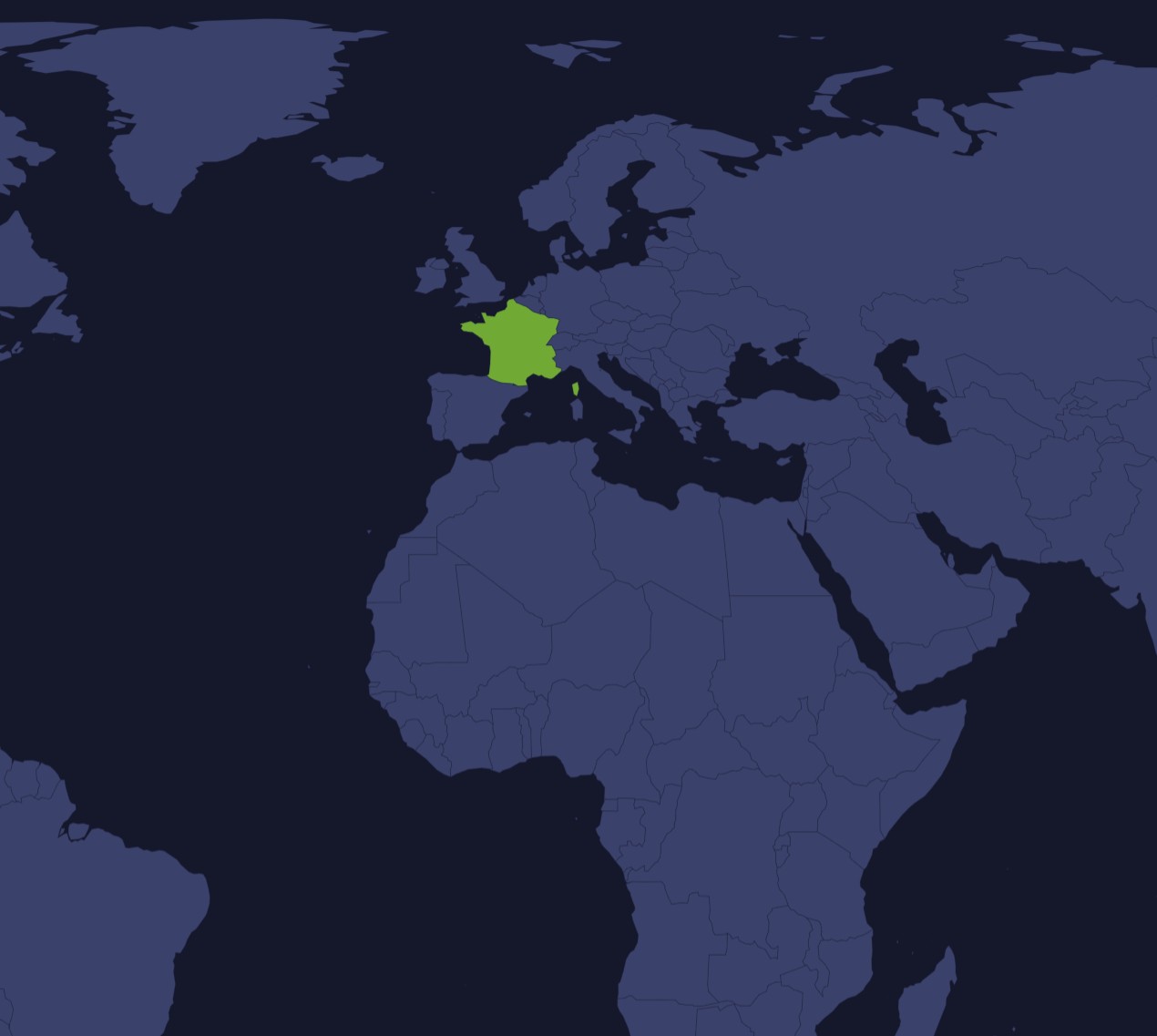
SVG Map Generator
Any region, any projection
Pick a map and projection, simplify it and paint regions, then export SVG or PNG.
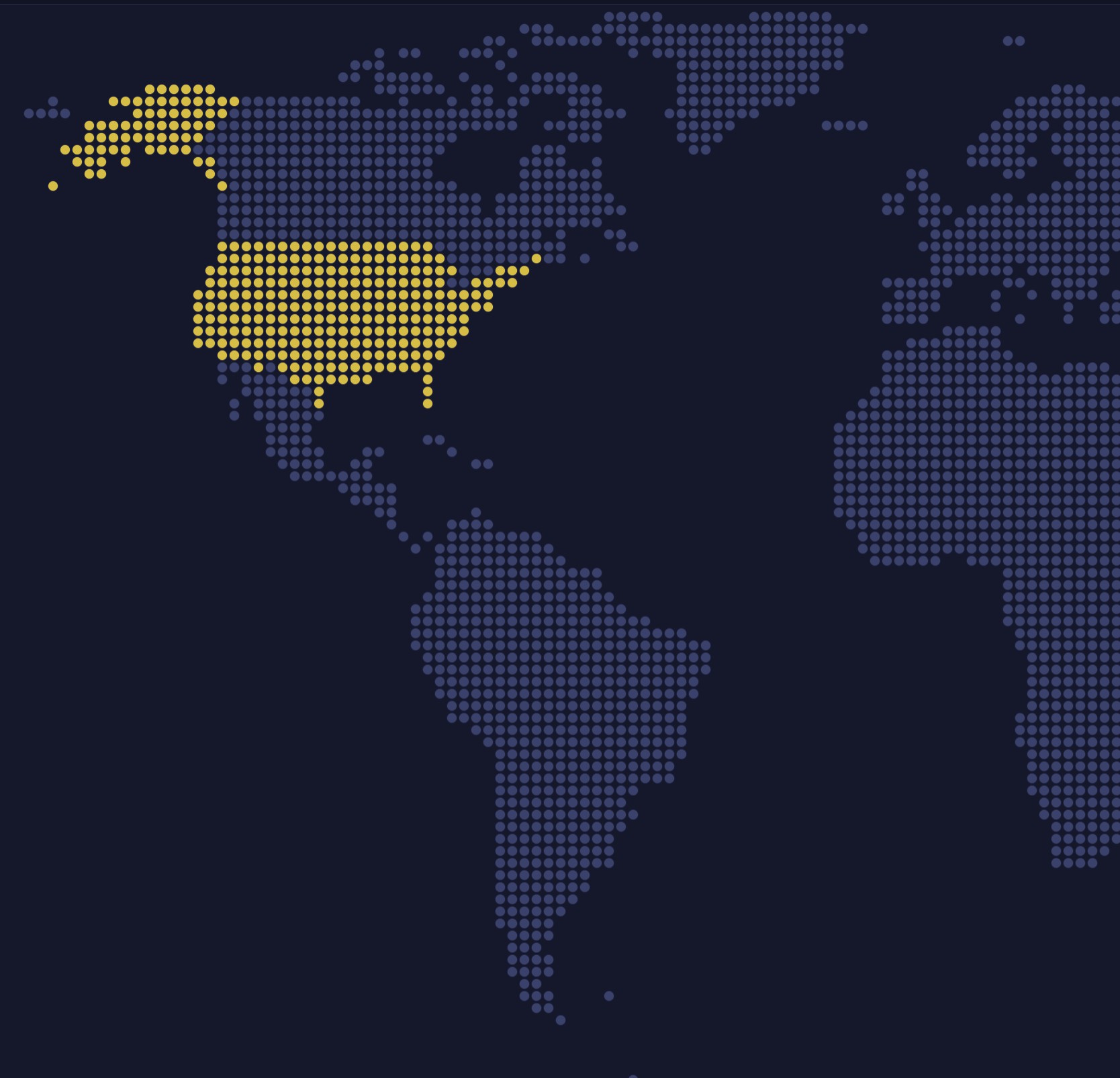
Pixel Map Generator
Dotted and pixel-art maps
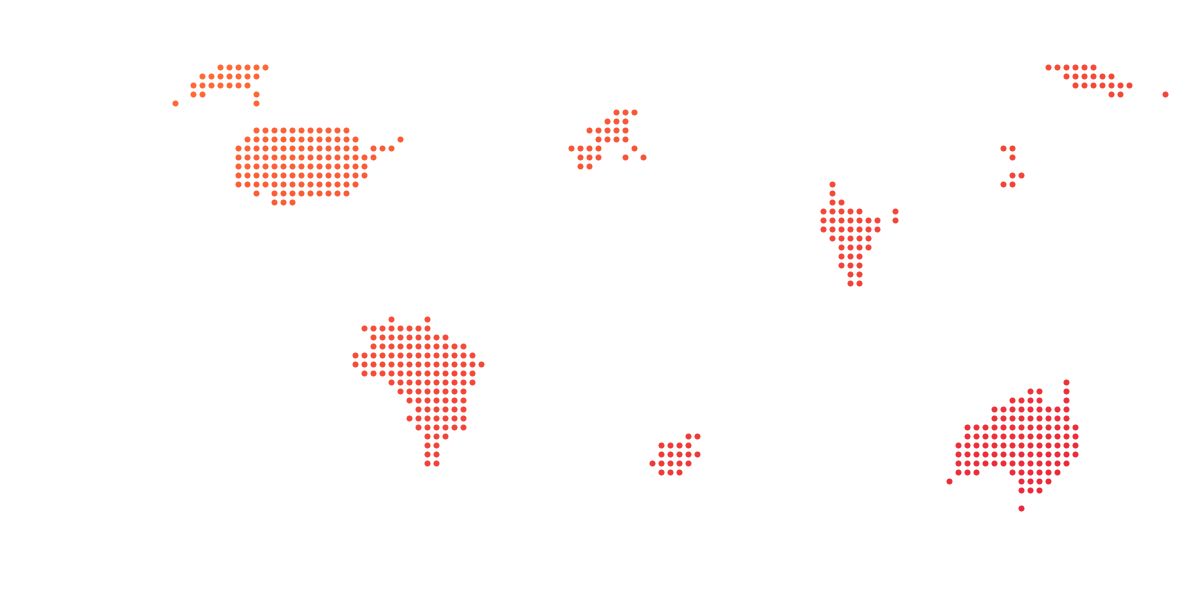
Turn any map into dots, squares, hexagons or diamonds for posters and slides.
SVG Maps
427 maps, free to download
World, continents, countries and regions, with every region as its own named path.
Go further in the Dojo.
Full apps and games built with amCharts 5.