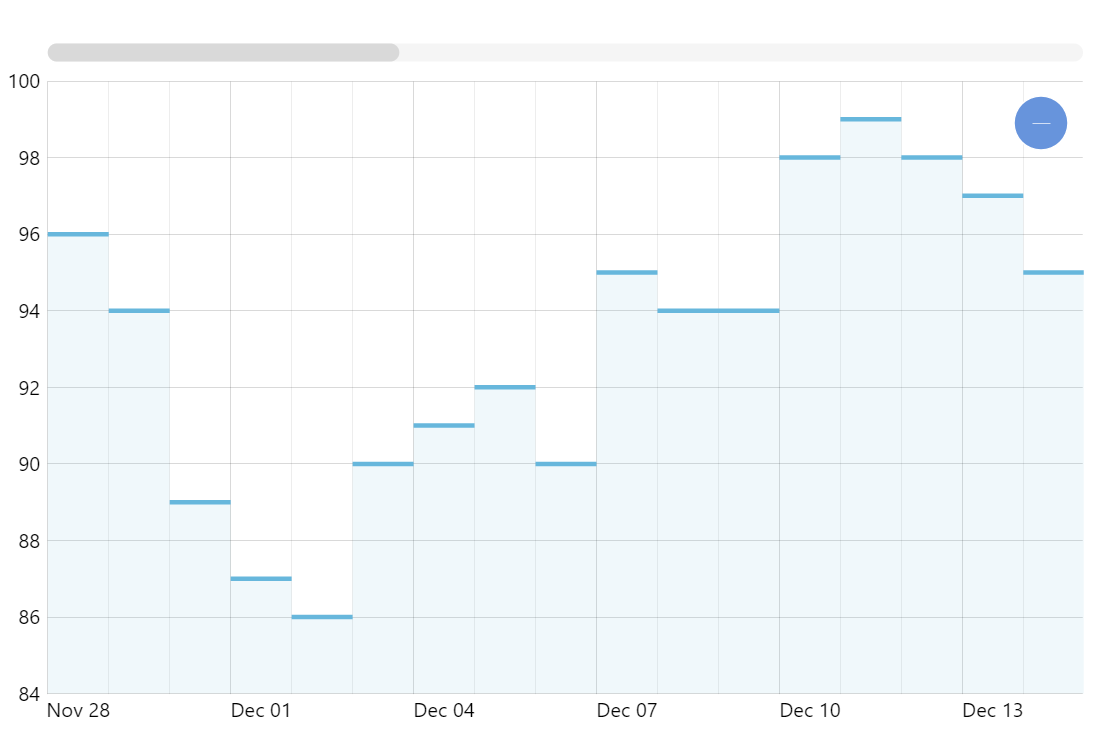
Step line chart is a great alternative to a regular line chart when you have discreet data items. A regular line connecting two data points would mislead the viewer suggesting that there was some continuous movement from point A to point B when in reality there was a jump with no intermediary values. Additionally, amCharts lets you display step line chart with no vertical lines making it a great alternative to a column chart when there’s a lot of data.
Key implementation details
We use StepLineSeries to display a step line chart in amCharts XY Chart. Removing vertical risers is as easy as setting noRisers = true on the series.
Related tutorials
Build this chart with AI
The prompt below can be used to build this chart with AI. For best coding results, use the most advanced AI models, like Claude Opus 5 and GPT-5.6-Codex. For more info and tips, check out amCharts AI docs.
Create a step line chart with 50 daily data points where vertical connecting risers between steps are removed, showing only horizontal segments. Add a subtle filled area beneath the steps. Include an XY cursor with horizontal guidance line, tooltips, pan/zoom on both axes, horizontal scrollbar, and entrance animation. Use amCharts 5 library.
Demo source