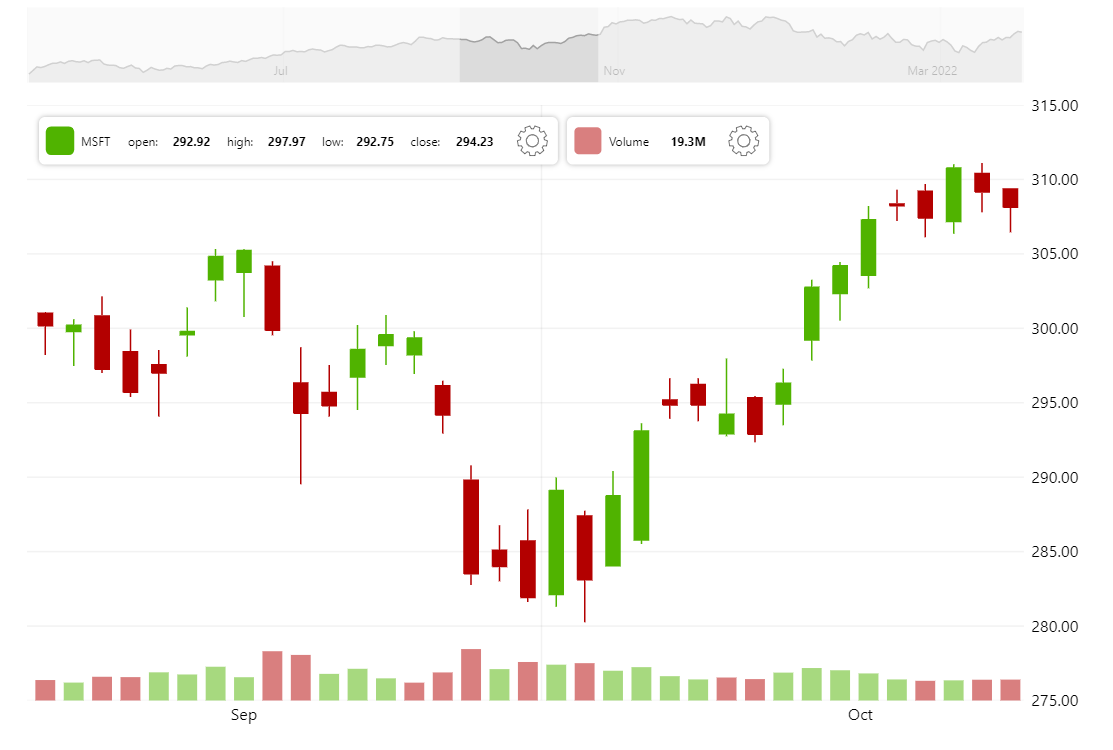
amCharts Stock Chart comes with an interval control helping viewers switch data granularity with just two clicks (see the control in action in the toolbar at the top).
As a developer you have complete control over what happens when interval changes. This demo loads a more/less detailed dataset on change.
Related tutorials
Build this chart with AI
The prompt below can be used to build this chart with AI. For best coding results, use the most advanced AI models, like Claude Opus 5 and GPT-5.6-Codex. For more info and tips, check out amCharts AI docs.
Create a stock chart that allows users to dynamically switch between different time intervals (minute, day, week, month) using a toolbar interval switcher control. When the interval changes, load the appropriate dataset from CSV and auto-zoom to show the full data range. Display OHLC candlestick data with a volume column series color-coded by price direction. Include a full stock toolbar with the interval switcher, series type switcher (Line, Candlestick, OHLC), indicator control, date range selector, period selector, drawing tools, reset, and settings. Add a scrollbar with a line preview, a crosshair cursor, and a stock legend. Use amCharts 5 library.
Demo source