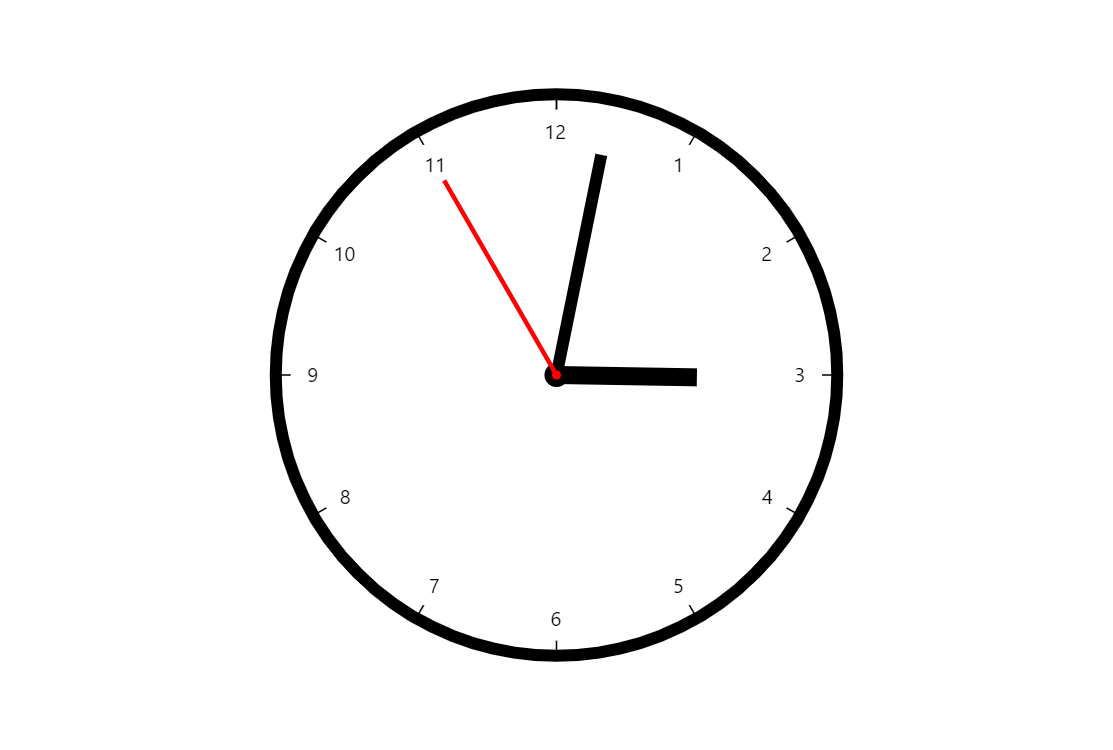
This demo showcases a creative use of the amCharts Gauge/Radar chart. amCharts core Charts package includes all the elements you need to create a functioning clock.
Key implementation details
We create a RadarChart, add and configure a circular ValueAxis, add clock hands for hours, minutes, and seconds and then just update the values every second.
Related tutorials
Build this chart with AI
The prompt below can be used to build this chart with AI. For best coding results, use the most advanced AI models, like Claude Opus 5 and GPT-5.6-Codex. For more info and tips, check out amCharts AI docs.
Create a functional analog clock using a circular gauge chart. Display a circular axis with hour numbers 1-12 positioned inside the circle. Add three clock hands: an hour hand, a minute hand, and a second hand (colored red with a red center pin). Update all hands every second using the current time, with smooth movement that accounts for minutes and seconds for fluid progression. Handle the transition from 59 to 0 seconds gracefully to prevent backward animation. Disable panning, and pause updates when the page loses focus. Use amCharts 5 library.
Demo source