Map with Patterns
A world map of the continents, each filled with a pattern of its own over a color: stripes, checks, dots, triangles or stars.
About this map
When patterns beat colors
Patterns tell areas apart without relying on color alone, which helps readers with color blindness and survives printing in black and white. Each continent gets its pattern through its data, with a template field, so any polygon can have its own. Keep to a handful: past six or seven, patterns get busy.
Good for
- Categories that must read in print or grayscale
- Accessible maps for color-blind readers
- Marking special areas: disputed, planned, no data
Think twice when
- Values on a scale: shades of one color read as more or less
- Small countries: patterns need room to show
- Many categories: use colors and a legend
For developers
Get the code.
Built with amCharts 5, a JavaScript library. The JavaScript includes your theme and renderer (canvas or SVG); the JSON also follows the changes you make with the controls.
For projects that use npm:
How it reads:
npm install @amcharts/amcharts5 and @amcharts/amcharts5-geodata. See Getting started.
The same chart as a JSON config. Chart Maker reads and writes this format, the library's JSON parser turns it into a chart, and the <am5-chart> element puts it on a page with no code.How it reads:
"type" is the class to create and "settings" what you would pass to its new() in code; "properties" fill in its parts, lists such as series and axes or templates such as columns.template; "refs" holds objects used in more than one place ("#series-0" stands for the one named series-0); a string starting with "@" takes a value from another object, such as "@series.get('fill')".
A complete page. Save it as an .html file and open it in a browser.
Paste this into an AI coding assistant to build the chart from scratch. More in amCharts & AI.
// Create root and chart
var root = am5.Root.new("chartdiv");

// Set themes
root.setThemes([
  am5themes_Animated.new(root),
  am5themes_Responsive.new(root)
]);

// Colors from the theme, so the map follows the theme
var colors = am5.ColorSet.new(root, {});

var chart = root.container.children.push(
  am5map.MapChart.new(root, {
    minZoomLevel: 0.5, // can zoom out to half the fitted size
    // go to the home view once the map is fitted
    autoHome: true,
    panX: "rotateX",                   // dragging sideways turns the globe
    projection: am5map.geoEqualEarth() // a projection that keeps the countries' areas true
  })
);

// Add zoom control
// https://docs.amcharts.com/v5/charts/map-chart/map-pan-zoom/#zoom-control
var zoomControl = chart.set("zoomControl", am5map.ZoomControl.new(root, {})); // + and - zoom buttons

// the home button is hidden by default
zoomControl.homeButton.set("visible", true);

// Create series for the water: a faint fill behind the countries
// https://docs.amcharts.com/v5/charts/map-chart/map-polygon-series/#background-polygon
var waterSeries = chart.series.push(am5map.MapPolygonSeries.new(root, {}));

waterSeries.mapPolygons.template.setAll({
  fill: root.interfaceColors.get("alternativeBackground"), // the color that contrasts with the background...
  fillOpacity: 0.05, // ...barely there
  strokeOpacity: 0   // no outline
});

waterSeries.data.push({
  geometry: am5map.getGeoRectangle(90, 180, -90, -180) // a rectangle over the whole globe
});

// Create graticule series: grid lines every 10 degrees
// https://docs.amcharts.com/v5/charts/map-chart/graticule-series/
var graticuleSeries = chart.series.push(am5map.GraticuleSeries.new(root, {
  step: 10
}));

graticuleSeries.mapLines.template.setAll({
  stroke: root.interfaceColors.get("alternativeBackground"), // contrasting with the background...
  strokeOpacity: 0.08 // ...and very faint
});

// Create polygon series
var polygonSeries = chart.series.push(
  am5map.MapPolygonSeries.new(root, {
    geoJSON: am5geodata_continentsLow // continents, not countries, in low detail
  })
);

polygonSeries.mapPolygons.template.setAll({
  tooltipText: "{name}", // the continent's name on hover
  interactive: true,     // reacts to the pointer, for the hover color
  // each continent's color and pattern come from "settings" in its data
  templateField: "settings"
});

polygonSeries.mapPolygons.template.states.create("hover", {
  fill: colors.getIndex(9) // the hovered continent turns another theme color
});


// each continent gets a theme color with a white pattern drawn over it
polygonSeries.data.setAll([{
  id: "europe",
  settings: {
    fill: colors.next(),                     // the next theme color
    fillPattern: am5.LinePattern.new(root, { // lines...
      color: am5.color(0xffffff), // ...in white...
      // ...slanting down to the right (angle, not rotation: rotation turns the whole tile, and the lines
      // would break where tiles meet)...
      angle: -45,
      strokeWidth: 1              // ...1px thick
    })
  }
}, {
  id: "asia",
  settings: {
    fill: colors.next(), // the next theme color
    fillPattern: am5.RectanglePattern.new(root, { // squares...
      color: am5.color(0xffffff), // ...in white
      // only every second square, like a checkerboard
      checkered: true
    })
  }
}, {
  id: "africa",
  settings: {
    fill: colors.next(),                       // the next theme color
    fillPattern: am5.CirclePattern.new(root, { // dots...
      color: am5.color(0xffffff), // ...in white...
      checkered: true             // ...every second one, like a checkerboard
    })
  }
}, {
  id: "northAmerica",
  settings: {
    fill: colors.next(), // the next theme color
    fillPattern: am5.TrianglePattern.new(root, { // triangles...
      color: am5.color(0xffffff), // ...in white...
      maxWidth: 8,                // ...up to 8px wide...
      maxHeight: 8,               // ...and 8px high...
      gap: 6,                     // ...6px apart...
      rotation: 180,              // ...turned 180 degrees
      // each triangle turns on its own center (here upside down) while the grid stays put
      rotateShapes: true
    })
  }
}, {
  id: "southAmerica",
  settings: {
    fill: colors.next(),                     // the next theme color
    fillPattern: am5.LinePattern.new(root, { // lines...
      color: am5.color(0xffffff), // ...in white...
      angle: 90,                  // ...upright...
      strokeWidth: 2              // ...2px thick
    })
  }
}, {
  id: "oceania",
  settings: {
    fill: colors.next(),                     // the next theme color
    fillPattern: am5.StarPattern.new(root, { // stars...
      color: am5.color(0xffffff), // ...in white
    })
  }
}, {
  id: "antarctica",
  settings: {
    fill: colors.next(),                     // the next theme color
    fillPattern: am5.LinePattern.new(root, { // lines...
      color: am5.color(0xffffff), // ...in white...
      angle: 45,                  // ...slanting the other way...
      strokeWidth: 1              // ...1px thick
    })
  }
}])
{
"type": "MapChart",
"settings": {
"minZoomLevel": 0.5,
"autoHome": true,
"panX": "rotateX",
"zoomControl": {
"type": "ZoomControl",
"properties": {
"homeButton": {
"settings": {
"visible": true
}
}
}
},
"projectionName": "geoEqualEarth"
},
"properties": {
"series": [
"#series-0",
"#series-1",
"#series-2"
]
},
"refs": [
{
"data-0": [
{
"geometry": {
"type": "GeoRectangle",
"north": 90,
"east": 180,
"south": -90,
"west": -180
},
"__parse": true
}
]
},
{
"data-1": []
},
{
"data-2": [
{
"id": "europe",
"settings": {
"fill": "@colors.getIndex(0)",
"fillPattern": {
"type": "LinePattern",
"settings": {
"color": {
"type": "Color",
"value": "#ffffff"
},
"angle": -45,
"strokeWidth": 1,
"width": 40,
"height": 40
}
},
"__parse": true
},
"__parse": true
},
{
"id": "asia",
"settings": {
"fill": "@colors.getIndex(1)",
"fillPattern": {
"type": "RectanglePattern",
"settings": {
"color": {
"type": "Color",
"value": "#ffffff"
},
"checkered": true,
"width": 22,
"height": 22
}
},
"__parse": true
},
"__parse": true
},
{
"id": "africa",
"settings": {
"fill": "@colors.getIndex(2)",
"fillPattern": {
"type": "CirclePattern",
"settings": {
"color": {
"type": "Color",
"value": "#ffffff"
},
"checkered": true,
"width": 22,
"height": 22
}
},
"__parse": true
},
"__parse": true
},
{
"id": "northAmerica",
"settings": {
"fill": "@colors.getIndex(3)",
"fillPattern": {
"type": "TrianglePattern",
"settings": {
"color": {
"type": "Color",
"value": "#ffffff"
},
"maxWidth": 8,
"maxHeight": 8,
"gap": 6,
"rotation": 180,
"rotateShapes": true,
"width": 14,
"height": 14
}
},
"__parse": true
},
"__parse": true
},
{
"id": "southAmerica",
"settings": {
"fill": "@colors.getIndex(4)",
"fillPattern": {
"type": "LinePattern",
"settings": {
"color": {
"type": "Color",
"value": "#ffffff"
},
"angle": 90,
"strokeWidth": 2,
"width": 32,
"height": 4
}
},
"__parse": true
},
"__parse": true
},
{
"id": "oceania",
"settings": {
"fill": "@colors.getIndex(5)",
"fillPattern": {
"type": "StarPattern",
"settings": {
"color": {
"type": "Color",
"value": "#ffffff"
},
"width": 10,
"height": 10
}
},
"__parse": true
},
"__parse": true
},
{
"id": "antarctica",
"settings": {
"fill": "@colors.getIndex(6)",
"fillPattern": {
"type": "LinePattern",
"settings": {
"color": {
"type": "Color",
"value": "#ffffff"
},
"angle": 45,
"strokeWidth": 1,
"width": 40,
"height": 40
}
},
"__parse": true
},
"__parse": true
}
]
},
{
"series-0": {
"type": "MapPolygonSeries",
"properties": {
"data": "#data-0",
"mapPolygons": {
"properties": {
"template": {
"settings": {
"fill": "@root.interfaceColors.get('alternativeBackground')",
"fillOpacity": 0.05,
"strokeOpacity": 0
}
}
}
}
}
}
},
{
"series-1": {
"type": "GraticuleSeries",
"settings": {
"step": 10
},
"properties": {
"mapLines": {
"properties": {
"template": {
"settings": {
"stroke": "@root.interfaceColors.get('alternativeBackground')",
"strokeOpacity": 0.08
}
}
}
}
}
}
},
{
"series-2": {
"type": "MapPolygonSeries",
"settings": {
"geoJSON": "am5geodata_continentsLow"
},
"properties": {
"data": "#data-2",
"mapPolygons": {
"properties": {
"template": {
"settings": {
"tooltipText": "{name}",
"interactive": true,
"templateField": "settings"
},
"states": [
{
"key": "hover",
"settings": {
"fill": "@colors.getIndex(9)"
}
}
]
}
}
}
}
}
}
]
}

More map tools.
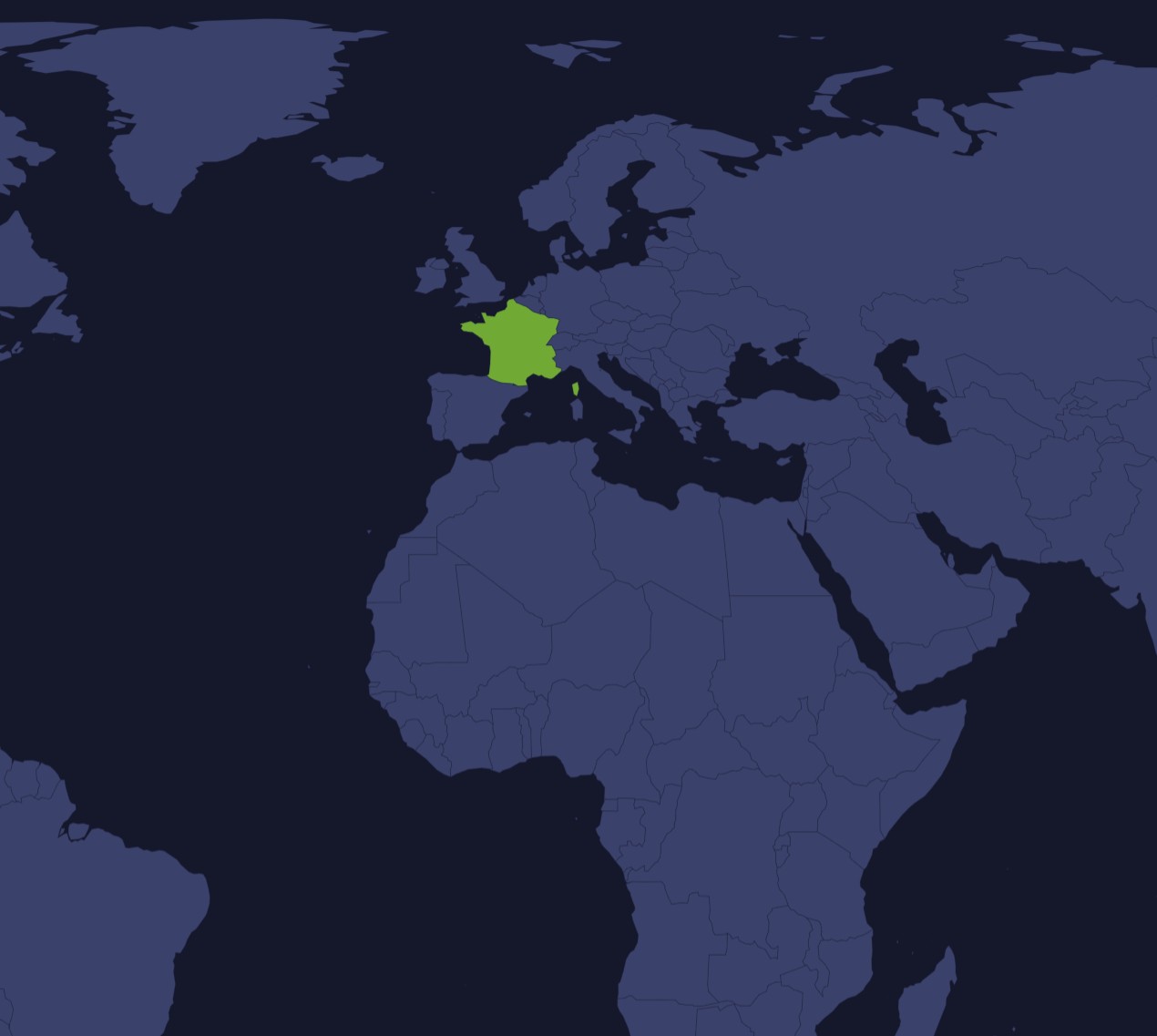
SVG Map Generator
Any region, any projection
Pick a map and projection, simplify it and paint regions, then export SVG or PNG.
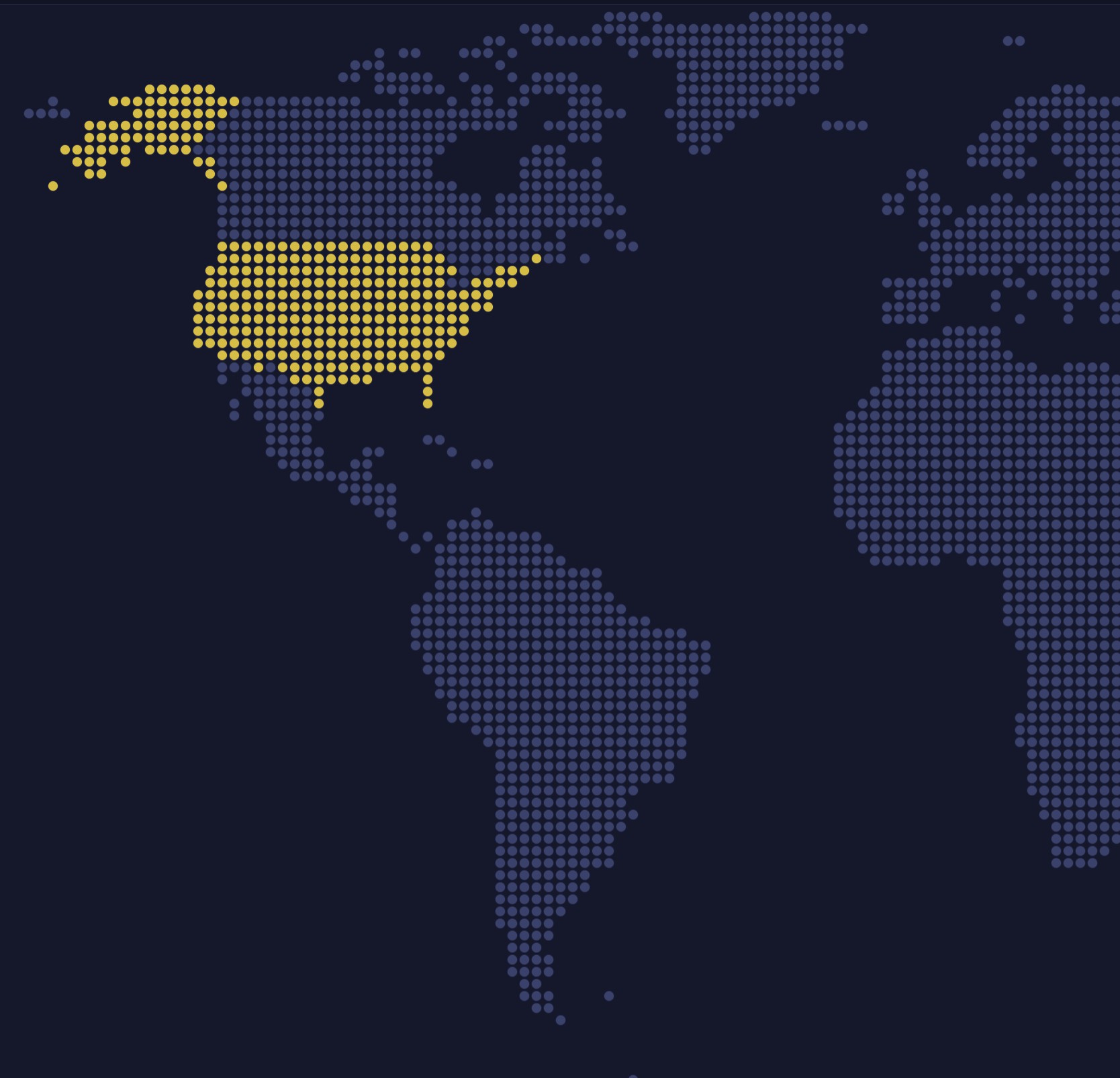
Pixel Map Generator
Dotted and pixel-art maps
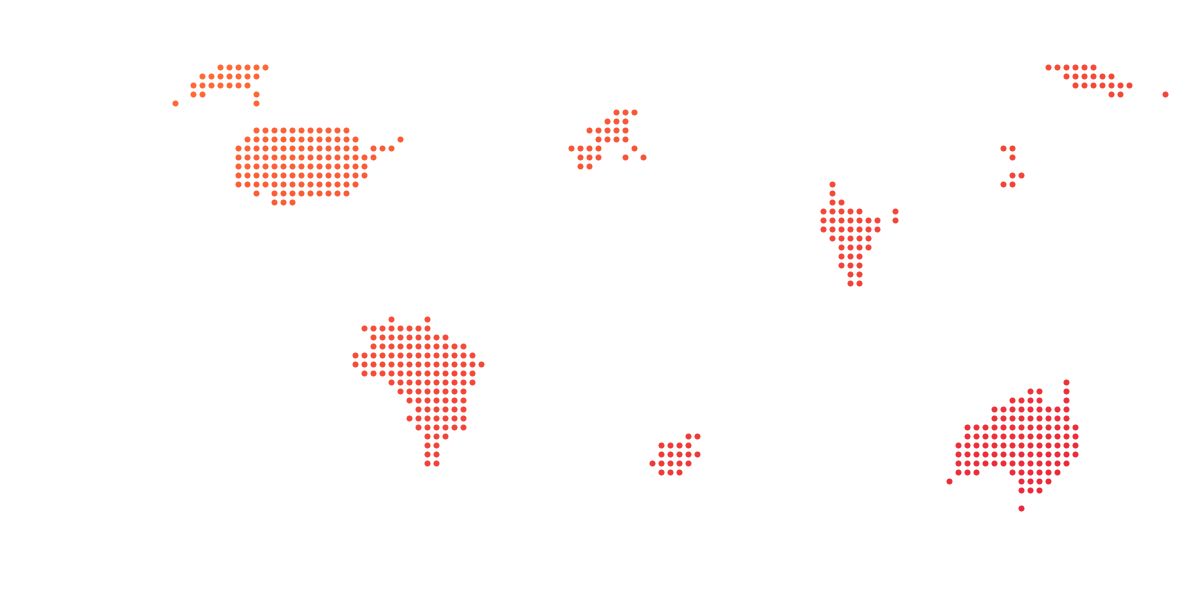
Turn any map into dots, squares, hexagons or diamonds for posters and slides.
SVG Maps
427 maps, free to download
World, continents, countries and regions, with every region as its own named path.