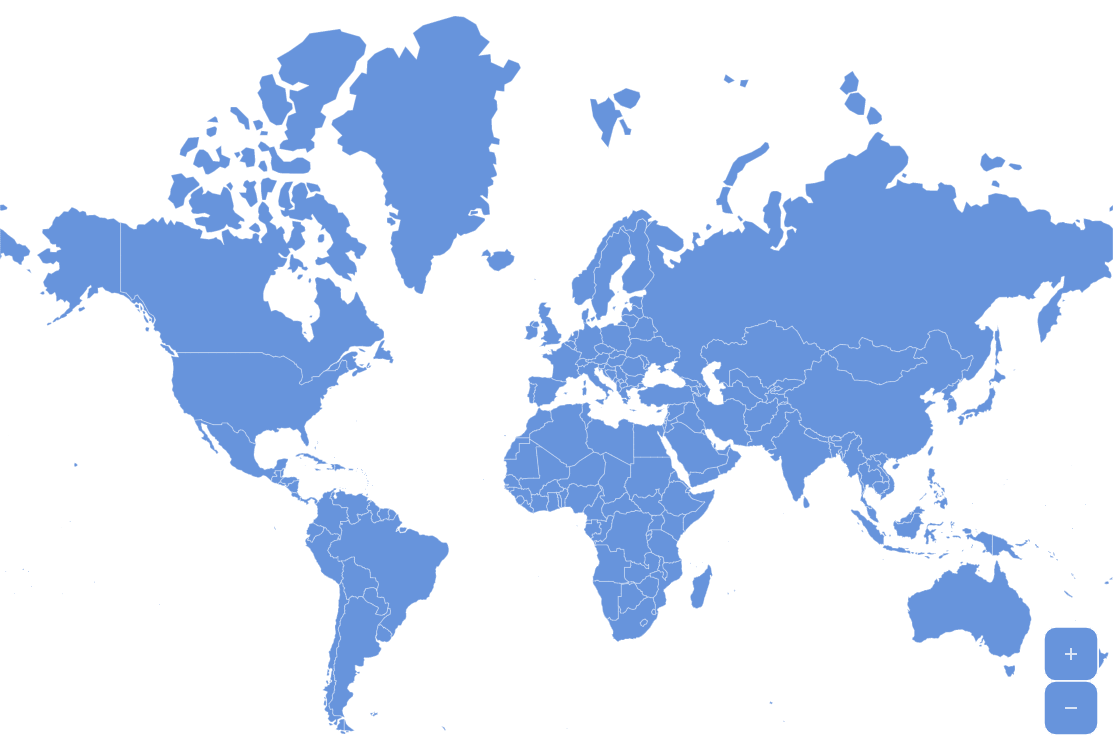
Showing a high-level map and then zooming in to a specific country on user’s click is a very common scenario. And it’s very easy to implement in amCharts Maps.
Key implementation details
All we need to do is react to the active event on map polygons and the call the zoomToDataItem() method.
Related tutorials
Build this chart with AI
The prompt below can be used to build this chart with AI. For best coding results, use the most advanced AI models, like Claude Opus 5 and GPT-5.6-Codex. For more info and tips, check out amCharts AI docs.
Create an interactive world map where clicking any country triggers a smooth animated zoom to that region. Highlight countries on hover and maintain the highlight for the active selected country. Only one country should be selected at a time, with the previous selection automatically deactivating. Show country names in tooltips. Include zoom control buttons with a home button. Clicking the ocean background should zoom back to the world view. Exclude Antarctica. Animate the chart on load. Use amCharts 5 library.
Demo source