Gantt Chart
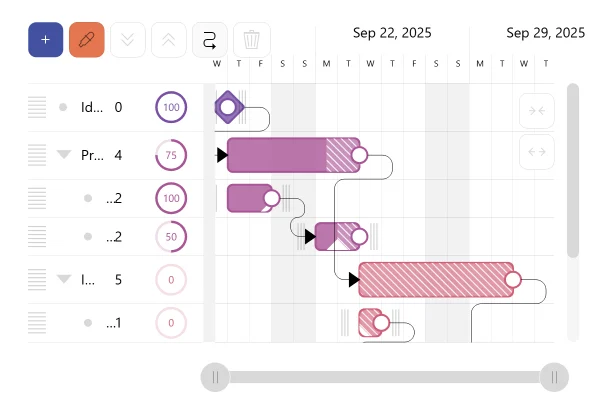
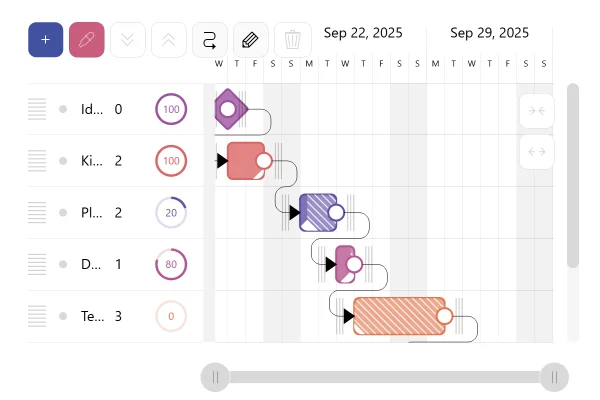
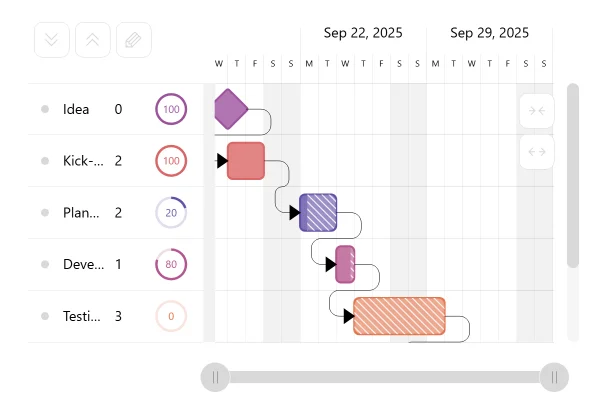
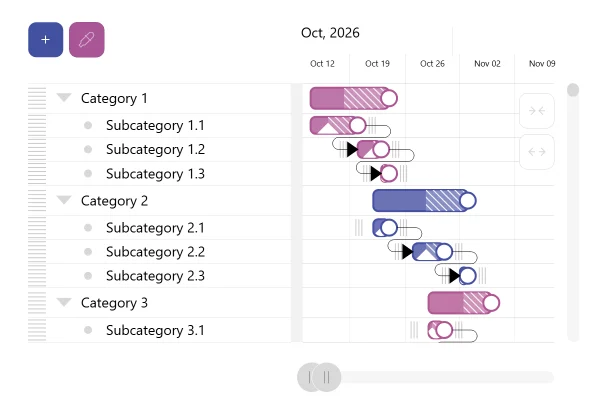
A Gantt chart lays a project out on a calendar: one bar per task, grouped into phases, with arrows for the order the work must follow. Diamonds mark milestones, and the striped part of a bar is the work still to do.
About this chart
When a Gantt chart works
A Gantt chart answers the planning questions a task list can’t: what runs in parallel, what waits for what, and when the whole thing ends. The links keep the plan honest: move one task and the tasks that depend on it move with it.
Good for
- Project plans with phases and deadlines
- Showing which task waits for which
- Tracking progress against the schedule
Think twice when
- Work with no fixed dates, like a backlog: use a list or a board
- Comparing amounts rather than dates: use a bar chart
- Hundreds of tiny tasks: group them into phases first
For developers
Get the code.
Built with amCharts 5, a JavaScript library. The code includes your theme and renderer (canvas or SVG), but not the changes you make with the controls.
For projects that use npm:
How it reads:
npm install @amcharts/amcharts5. See Getting started.
The same chart as a JSON config. Gantt reads and writes this format, the library's JSON parser turns it into a chart, and the <am5-chart> element puts it on a page with no code.How it reads:
"type" is the class to create and "settings" what you would pass to its new() in code; "properties" fill in its parts, lists such as series and axes or templates such as columns.template; "refs" holds objects used in more than one place ("#series-0" stands for the one named series-0); a string starting with "@" takes a value from another object, such as "@series.get('fill')".
A complete page. Save it as an .html file and open it in a browser.
Paste this into an AI coding assistant to build the chart from scratch. More in amCharts & AI.
// Create root element
// https://docs.amcharts.com/v5/getting-started/#root-element
var root = am5.Root.new("chartdiv");

// Set themes
// https://docs.amcharts.com/v5/concepts/themes/
root.setThemes([
  am5themes_Animated.new(root)
]);

// Create Gantt chart
// https://docs.amcharts.com/v5/charts/gantt/
var gantt = root.container.children.push(am5gantt.Gantt.new(root, {}));

// A phone-sized chart: more room for the task names, lower rows so more of the plan shows,
// and only the main toolbar buttons, so the toolbar fits above the names instead of over the dates
var narrow = root.dom.offsetWidth < 600;
if (narrow) {
  gantt.set("sidebarWidth", am5.percent(45)); // the task list takes 45% of the width, not 30%
  gantt.yAxis.set("minCellHeight", 40); // rows as low as 40px, not 70px
  // no duration field and progress circle beside each name
  gantt.yAxis.get("renderer").controlsContainers.template.set("forceHidden", true);
  // keep add, color and edit: expand all, collapse all, link and clear leave the toolbar
  // (taken out, as the Gantt shows some of them again when editing turns on)
  am5.array.each([gantt.expandButton, gantt.collapseButton, gantt.linkButton, gantt.clearButton], function (button) {
    gantt.controls.children.removeValue(button);
  });
}

// Hide a date label that would be cut off at the left edge of the timeline
gantt.xAxis.get("renderer").labels.template.set("minPosition", 0.08);

// Default data
var categoryData = [{
  name: "Start",
  id: "gantt_0"
}, {
  name: "Design",
  id: "gantt_1"
}, {
  name: "Review",
  id: "gantt_2",
  parentId: "gantt_1", // a subtask of Design: its row nests under it
}, {
  name: "User tests",
  id: "gantt_3",
  parentId: "gantt_1",
}, {
  name: "Programming",
  id: "gantt_4"
}, {
  name: "Task delegation",
  id: "gantt_5",
  parentId: "gantt_4",
}, {
  name: "Coding",
  id: "gantt_6",
  parentId: "gantt_4",
}, {
  name: "Testing",
  id: "gantt_7",
  parentId: "gantt_4",
}, {
  name: "Deploying",
  id: "gantt_8",
  parentId: "gantt_4",
}, {
  name: "Testing",
  id: "gantt_9"
}, {
  name: "Phase 1",
  id: "gantt_10",
  parentId: "gantt_9",
}, {
  name: "Phase 2",
  id: "gantt_11",
  parentId: "gantt_9",
}, {
  name: "Phase 3",
  id: "gantt_12",
  parentId: "gantt_9",
}, {
  name: "End",
  id: "gantt_15"
}];

var seriesData = [{
  start: 1758229200000, // a timestamp in milliseconds
  // duration 0 draws a milestone
  duration: 0,
  progress: 0,          // how much is done: 0 not started, 1 finished
  id: "gantt_0",
  linkTo: ["gantt_1"]   // an arrow to the task that follows
}, {
  // no dates: a parent row's bar spans its child tasks
  progress: 0,
  id: "gantt_1",
  linkTo: ["gantt_4"]
}, {
  start: 1758488400000,
  duration: 1, // 1 working day: weekends don't count by default
  progress: 1,
  id: "gantt_2",
  linkTo: ["gantt_3"]
}, {
  start: 1758574800000,
  duration: 1,
  progress: 1,
  id: "gantt_3",
  linkTo: []
}, {
  progress: 0,
  id: "gantt_4",
  linkTo: ["gantt_9"]
}, {
  start: 1758747600000,
  duration: 1,
  progress: 1,
  id: "gantt_5",
  linkTo: ["gantt_6"]
}, {
  start: 1758834000000,
  duration: 2,
  progress: 0.4956235693230202,
  id: "gantt_6",
  linkTo: ["gantt_7"]
}, {
  start: 1759179600000,
  duration: 1,
  progress: 0,
  id: "gantt_7",
  linkTo: ["gantt_8"]
}, {
  start: 1759266000000,
  duration: 2,
  progress: 0,
  id: "gantt_8"
}, {
  progress: 0,
  id: "gantt_9",
  linkTo: ["gantt_15"]
}, {
  start: 1759438800000,
  duration: 1,
  progress: 0,
  id: "gantt_10",
  linkTo: ["gantt_11"]
}, {
  start: 1759698000000,
  duration: 1,
  progress: 0,
  id: "gantt_11",
  linkTo: ["gantt_12"]
}, {
  start: 1759784400000,
  duration: 2,
  progress: 0,
  id: "gantt_12"
}, {
  start: 1760302800000,
  duration: 0,
  progress: 0,
  id: "gantt_15"
}];

var markedDates = [1758661200000, 1759352400000]; // timestamps of the dates to mark

// Set data on axis and series
// https://docs.amcharts.com/v5/charts/gantt/#category-data
// https://docs.amcharts.com/v5/charts/gantt/#series-data
gantt.yAxis.data.setAll(categoryData);
gantt.series.data.setAll(seriesData);

// Mark two dates on the timeline: a click on the day axis marks or unmarks a date
am5.array.each(markedDates, function (date) {
  gantt.markDate(date);
});

// On a phone-sized chart the timeline opens on the first two weeks, as the whole month is too tight
// to read; the scrollbar below it moves on to the rest
if (narrow) {
  gantt.series.events.once("datavalidated", function () {
    setTimeout(function () { // once the Gantt has set its own range
      var day = am5.time.getDuration("day", 1);
      var first = seriesData[0].start; // the start milestone
      gantt.xAxis.zoomToDates(new Date(first - day), new Date(first + 13 * day)); // a day before, 13 after
    }, 500);
  });
}

gantt.appear();