Rotating Moon
The Moon as a slowly turning globe, covered with NASA's map of its surface, and the six places where Apollo astronauts landed, all on the side that faces the Earth.
About this map
Maps of other worlds
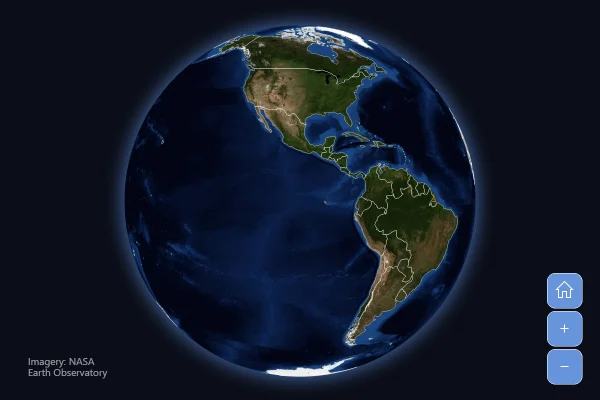
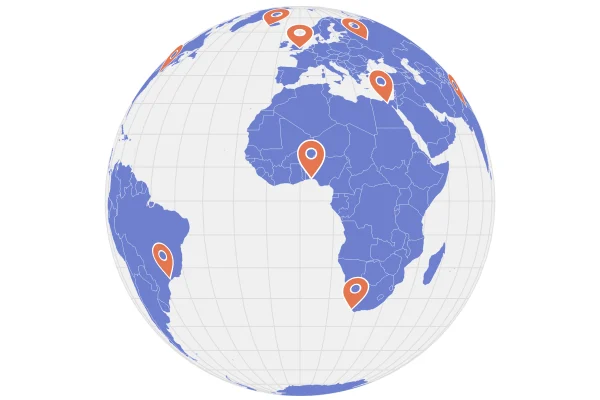
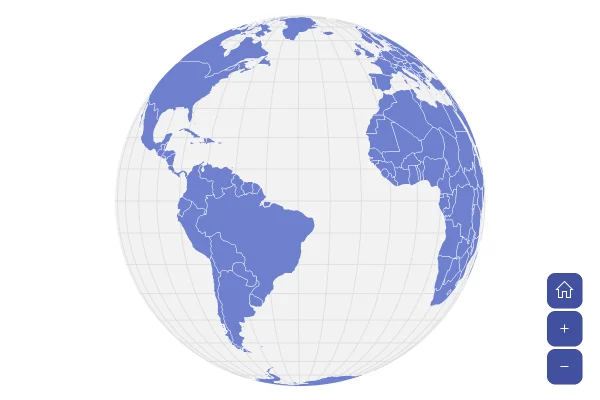
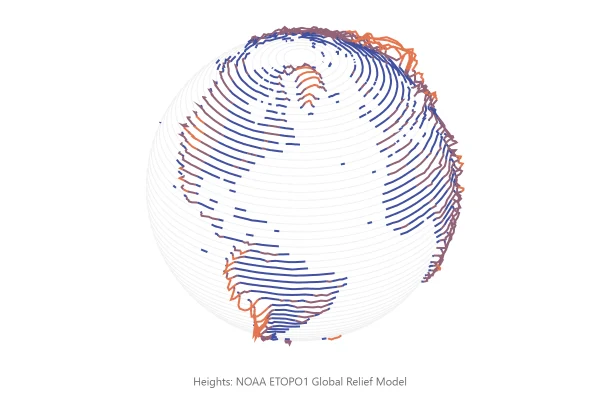
A map chart doesn't have to show the Earth. Give a raster series any whole-body picture in the usual equirectangular layout, and the globe wears it, turning and zooming like any map; points, lines and a grid go on top by latitude and longitude, as on the Earth. The amCharts CDN has such pictures of the Moon, Mars, Venus, Jupiter, Io and Ganymede.
Good for
- Space missions, landings and probes
- Science and education pages
- An eye-catching opener for a story
Think twice when
- Comparing places on the far side: one side shows at a time
- Exact positions: a flat map is easier to read
For developers
Get the code.
Built with amCharts 5, a JavaScript library. The JavaScript includes your theme and renderer (canvas or SVG); the JSON also follows the changes you make with the controls.
For projects that use npm:
How it reads:
npm install @amcharts/amcharts5. See Getting started.
The same chart as a JSON config. Chart Maker reads and writes this format, the library's JSON parser turns it into a chart, and the <am5-chart> element puts it on a page with no code.How it reads:
"type" is the class to create and "settings" what you would pass to its new() in code; "properties" fill in its parts, lists such as series and axes or templates such as columns.template; "refs" holds objects used in more than one place ("#series-0" stands for the one named series-0); a string starting with "@" takes a value from another object, such as "@series.get('fill')".
A complete page. Save it as an .html file and open it in a browser.
Paste this into an AI coding assistant to build the chart from scratch. More in amCharts & AI.
// Create root element
// https://www.amcharts.com/docs/v5/getting-started/#Root_element
var root = am5.Root.new("chartdiv");

// Set themes
// https://www.amcharts.com/docs/v5/concepts/themes/
root.setThemes([
  am5themes_Animated.new(root),
  am5themes_Responsive.new(root)
]);

// Create the map chart: the Moon as a globe that turns once every two minutes
// https://www.amcharts.com/docs/v5/charts/map-chart/
var chart = root.container.children.push(am5map.MapChart.new(root, {
  projection: am5map.geoOrthographic(), // a globe, seen from space
  panX: "rotateX",                      // a sideways drag spins the Moon
  panY: "rotateY",                      // an up or down drag tilts it
  animations: [ // animations the chart plays by itself
    // a full turn every 2 minutes at a steady speed, starting with the near side, where the landings were;
    // loops: 0 repeats it forever
    { key: "rotationX", from: 0, to: 360, duration: 120000, loops: 0 }
  ]
}));

// Add the picture of the Moon's surface, a map of the whole Moon redrawn to fit the globe as it turns. It is read
// from the amCharts CDN
var rasterSeries = chart.series.push(am5map.MapRasterSeries.new(root, {
  src: "https://cdn.amcharts.com/lib/5/geodata/images/moon2048.jpg"
}));

// Add a faint grid of latitudes and longitudes, every 15 degrees
// https://www.amcharts.com/docs/v5/charts/map-chart/graticule-series/
var graticuleSeries = chart.series.push(am5map.GraticuleSeries.new(root, {
  step: 15
}));

graticuleSeries.mapLines.template.setAll({
  stroke: am5.color(0xffffff), // white over the grey surface...
  strokeOpacity: 0.08          // ...very faint
});

// Create point series for the landing sites. surfaceBullets lays the markers onto the surface, so they turn with the
// Moon and flatten towards its edge
// https://www.amcharts.com/docs/v5/charts/map-chart/map-point-series/
var pointSeries = chart.series.push(am5map.MapPointSeries.new(root, {
  latitudeField: "latitude",
  longitudeField: "longitude",
  surfaceBullets: true
}));

// Each site: a circle with the mission's number in it, and the mission, the place and the date on hover
pointSeries.bullets.push(function() {
  var container = am5.Container.new(root, {
    tooltipText: "[bold]{mission}[/]\n{site}\n{date}",
    cursorOverStyle: "pointer" // a hand over the marker: there is more to see
  });

  container.children.push(am5.Circle.new(root, {
    radius: 10,
    fill: am5.color(0xff6b35),   // orange, clear against the grey surface
    stroke: am5.color(0xffffff), // with a white ring
    strokeWidth: 2
  }));

  container.children.push(am5.Label.new(root, {
    text: "{number}",
    populateText: true,   // fills in the number from the site's data
    centerX: am5.p50,     // centered on the circle
    centerY: am5.p50,
    fontSize: 10,
    fontWeight: "700",
    fill: am5.color(0xffffff)
  }));

  return am5.Bullet.new(root, {
    sprite: container
  });
});

// The six crewed landings, where the lunar modules touched down (NASA)
pointSeries.data.setAll([
  { mission: "Apollo 11", number: "11", site: "Sea of Tranquility", date: "July 20, 1969", latitude: 0.674, longitude: 23.473 },
  { mission: "Apollo 12", number: "12", site: "Ocean of Storms", date: "November 19, 1969", latitude: -3.012, longitude: -23.422 },
  { mission: "Apollo 14", number: "14", site: "Fra Mauro highlands", date: "February 5, 1971", latitude: -3.645, longitude: -17.471 },
  { mission: "Apollo 15", number: "15", site: "Hadley–Apennine", date: "July 30, 1971", latitude: 26.132, longitude: 3.634 },
  { mission: "Apollo 16", number: "16", site: "Descartes Highlands", date: "April 21, 1972", latitude: -8.973, longitude: 15.5 },
  { mission: "Apollo 17", number: "17", site: "Taurus–Littrow valley", date: "December 11, 1972", latitude: 20.191, longitude: 30.772 }
]);

// Add image credit, at the top right: the picture is NASA's "CGI Moon Kit" map, from the Lunar Reconnaissance Orbiter
var credit = chart.children.push(am5.Label.new(root, {
  text: "Imagery: NASA's Scientific Visualization Studio",
  fontSize: 12,              // small print
  fill: am5.color(0xffffff), // white, over the dark background
  fillOpacity: 0.6,          // a little see-through
  x: am5.p100,               // at the chart's right edge...
  centerX: am5.p100,         // ...lined up by the label's own right side
  dx: -10,                   // 10px in from the edge
  y: 10                      // 10px from the top
}));

// Make stuff animate on load
// https://www.amcharts.com/docs/v5/concepts/animations/
chart.appear(1000, 100);
{
"type": "MapChart",
"settings": {
"panX": "rotateX",
"panY": "rotateY",
"animations": [
{
"key": "rotationX",
"from": 0,
"to": 360,
"duration": 120000,
"loops": 0
}
],
"projectionName": "geoOrthographic"
},
"properties": {
"series": [
"#series-0",
"#series-1",
"#series-2"
]
},
"children": [
{
"type": "Label",
"settings": {
"text": "Imagery: NASA's Scientific Visualization Studio",
"fontSize": 12,
"fill": {
"type": "Color",
"value": "#ffffff"
},
"fillOpacity": 0.6,
"x": {
"type": "Percent",
"value": 100
},
"centerX": {
"type": "Percent",
"value": 100
},
"dx": -10,
"y": 10
}
}
],
"refs": [
{
"data-0": []
},
{
"data-1": [
{
"mission": "Apollo 11",
"number": "11",
"site": "Sea of Tranquility",
"date": "July 20, 1969",
"latitude": 0.674,
"longitude": 23.473
},
{
"mission": "Apollo 12",
"number": "12",
"site": "Ocean of Storms",
"date": "November 19, 1969",
"latitude": -3.012,
"longitude": -23.422
},
{
"mission": "Apollo 14",
"number": "14",
"site": "Fra Mauro highlands",
"date": "February 5, 1971",
"latitude": -3.645,
"longitude": -17.471
},
{
"mission": "Apollo 15",
"number": "15",
"site": "Hadley–Apennine",
"date": "July 30, 1971",
"latitude": 26.132,
"longitude": 3.634
},
{
"mission": "Apollo 16",
"number": "16",
"site": "Descartes Highlands",
"date": "April 21, 1972",
"latitude": -8.973,
"longitude": 15.5
},
{
"mission": "Apollo 17",
"number": "17",
"site": "Taurus–Littrow valley",
"date": "December 11, 1972",
"latitude": 20.191,
"longitude": 30.772
}
]
},
{
"series-0": {
"type": "MapRasterSeries",
"settings": {
"src": "https://cdn.amcharts.com/lib/5/geodata/images/moon2048.jpg"
}
}
},
{
"series-1": {
"type": "GraticuleSeries",
"settings": {
"step": 15
},
"properties": {
"mapLines": {
"properties": {
"template": {
"settings": {
"stroke": {
"type": "Color",
"value": "#ffffff"
},
"strokeOpacity": 0.08
}
}
}
}
}
}
},
{
"series-2": {
"type": "MapPointSeries",
"settings": {
"latitudeField": "latitude",
"longitudeField": "longitude",
"surfaceBullets": true
},
"properties": {
"data": "#data-1",
"bullets": [
{
"type": "Bullet",
"settings": {
"sprite": {
"type": "Container",
"settings": {
"tooltipText": "[bold]{mission}[/]\n{site}\n{date}",
"cursorOverStyle": "pointer"
},
"children": [
{
"type": "Circle",
"settings": {
"radius": 10,
"fill": {
"type": "Color",
"value": "#ff6b35"
},
"stroke": {
"type": "Color",
"value": "#ffffff"
},
"strokeWidth": 2
}
},
{
"type": "Label",
"settings": {
"text": "{number}",
"populateText": true,
"centerX": {
"type": "Percent",
"value": 50
},
"centerY": {
"type": "Percent",
"value": 50
},
"fontSize": 10,
"fontWeight": "700",
"fill": {
"type": "Color",
"value": "#ffffff"
}
}
}
]
}
}
}
]
}
}
}
],
"root": {
"properties": {
"interfaceColors": {
"settings": {
"background": {
"type": "Color",
"value": "#0b0e18"
}
}
}
}
}
}