Account Management
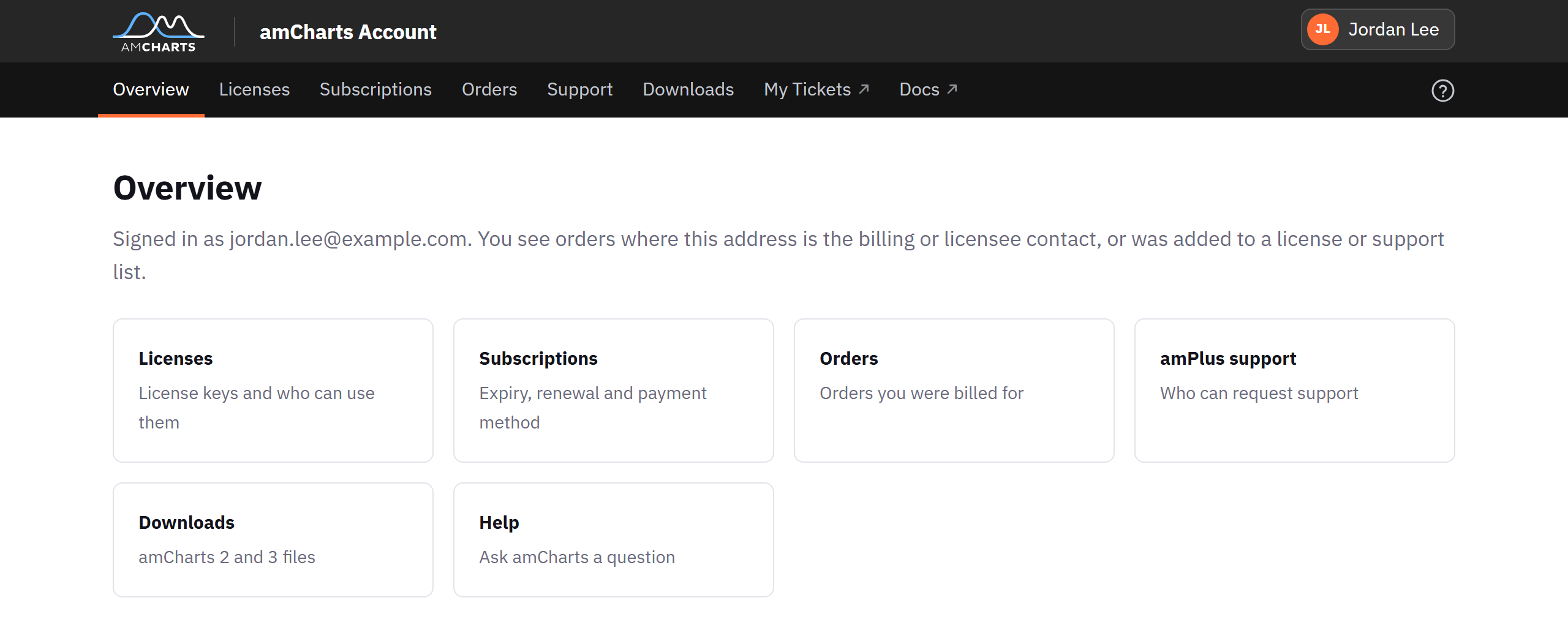
Your amCharts account, at account.amcharts.com, shows the licenses, subscriptions and orders linked to your email address, and lets you choose who else can use them.
Which orders you see
Your account finds orders by email address. You see an order if your address is its billing or licensee contact, or is on its list of license users or support contacts. Sign in with that address.
Managing users and subscriptions is open to the order’s billing and licensee contacts. Renewals and the payment method can only be changed by the billing contact.
Signing in
Buying a license doesn’t create an account. Create one with your name and email address, then set a password from the link we email you. Or sign in with Google or GitHub: their verified email address is used.
If you had an account on www.amcharts.com, it was moved: sign in with the same email and password.
Forgot your password, or used to sign in with Facebook (no longer offered)? Choose Forgot your password? on the sign-in page. The link we email you works for 1 hour.
What’s in your account
- Licenses: license keys, the code that applies them, and who can use them. See Managing license contacts.
- Subscriptions: expiry and renewal dates, automatic renewal, renewing early, the payment method. See Managing subscriptions.
- Orders: the orders you were billed for.
- Support: your amPlus subscriptions and who can request support. See Managing support contacts.
- Downloads: amCharts 2 and 3 files. See Legacy downloads.
- My Tickets opens your requests at the help desk, signed in with the same account.
Settings
In Settings you can:
- change your name and password
- connect or disconnect Google and GitHub sign-in
- see where you’re signed in, and log out everywhere
- delete your account
The email address can’t be changed, since your licenses and orders are found by it. To use another address, create a new account with it.
Deleting your account
Deleting your account removes your login only. Your orders, licenses and subscriptions stay, and you can register again at any time to see them.
We delete accounts that haven’t been used for 26 months, as the privacy policy says. We email you 30 and 7 days before; signing in keeps the account.
Help
Ask at the help desk or write to contact@amcharts.com.