amCharts 5.21: pixel maps
A new way to draw a map in amCharts 5: countries as a grid of pixels. Dots, squares, diamonds or hexagons, colored by your data, flat or raised into 3D columns.
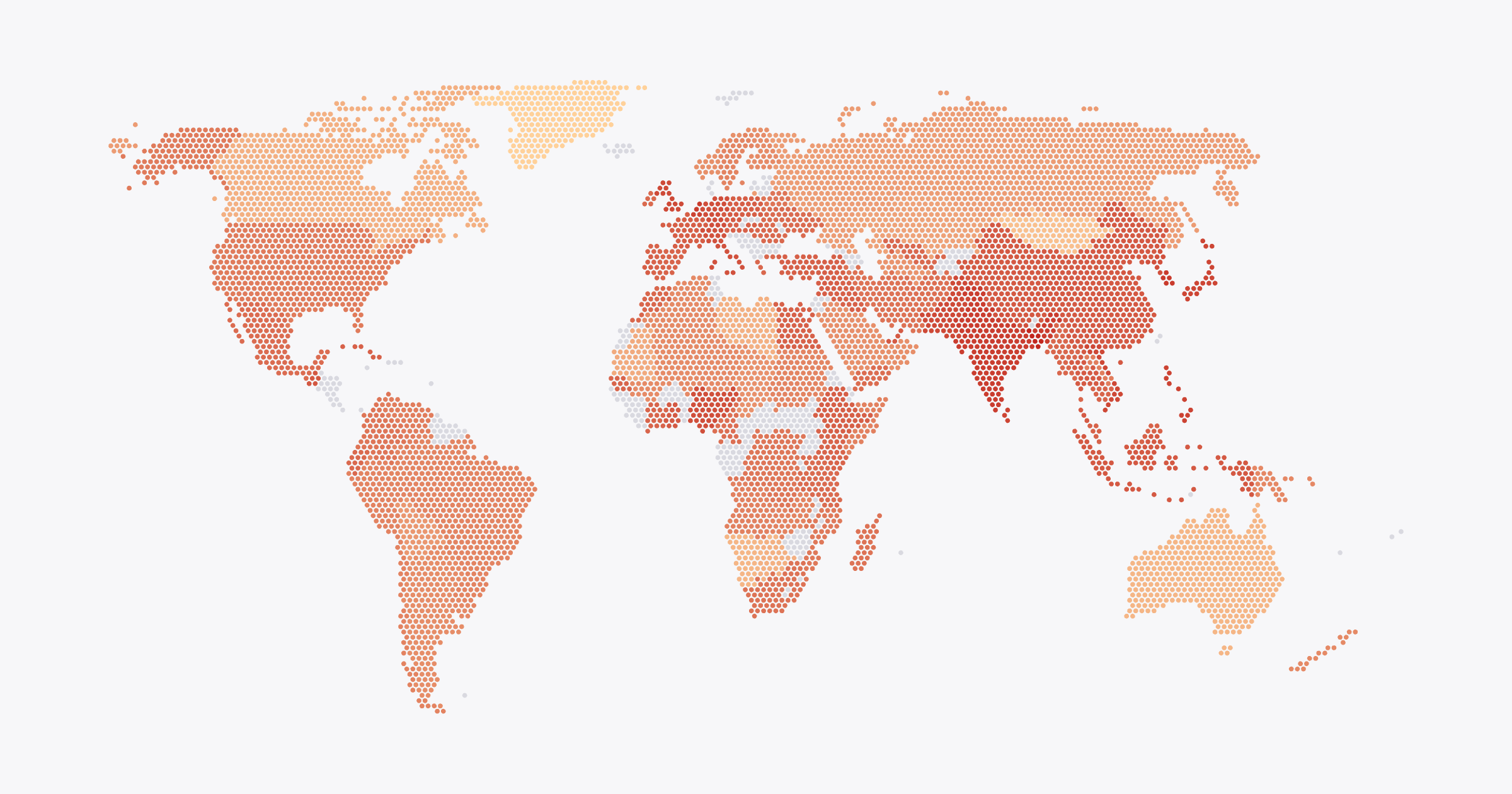
One series
PixelMapSeries takes the same geodata as a regular polygon series:
let pixelSeries = chart.series.push(
  am5map.PixelMapSeries.new(root, {
    geoJSON: am5geodata_worldLow,
    exclude: ["AQ"],
    pixelType: "hexagon"
  })
);
Each country is drawn as pixels, but it’s still one polygon underneath. Tooltips, hover states, clicks and heat rules work as on any map.
Four shapes
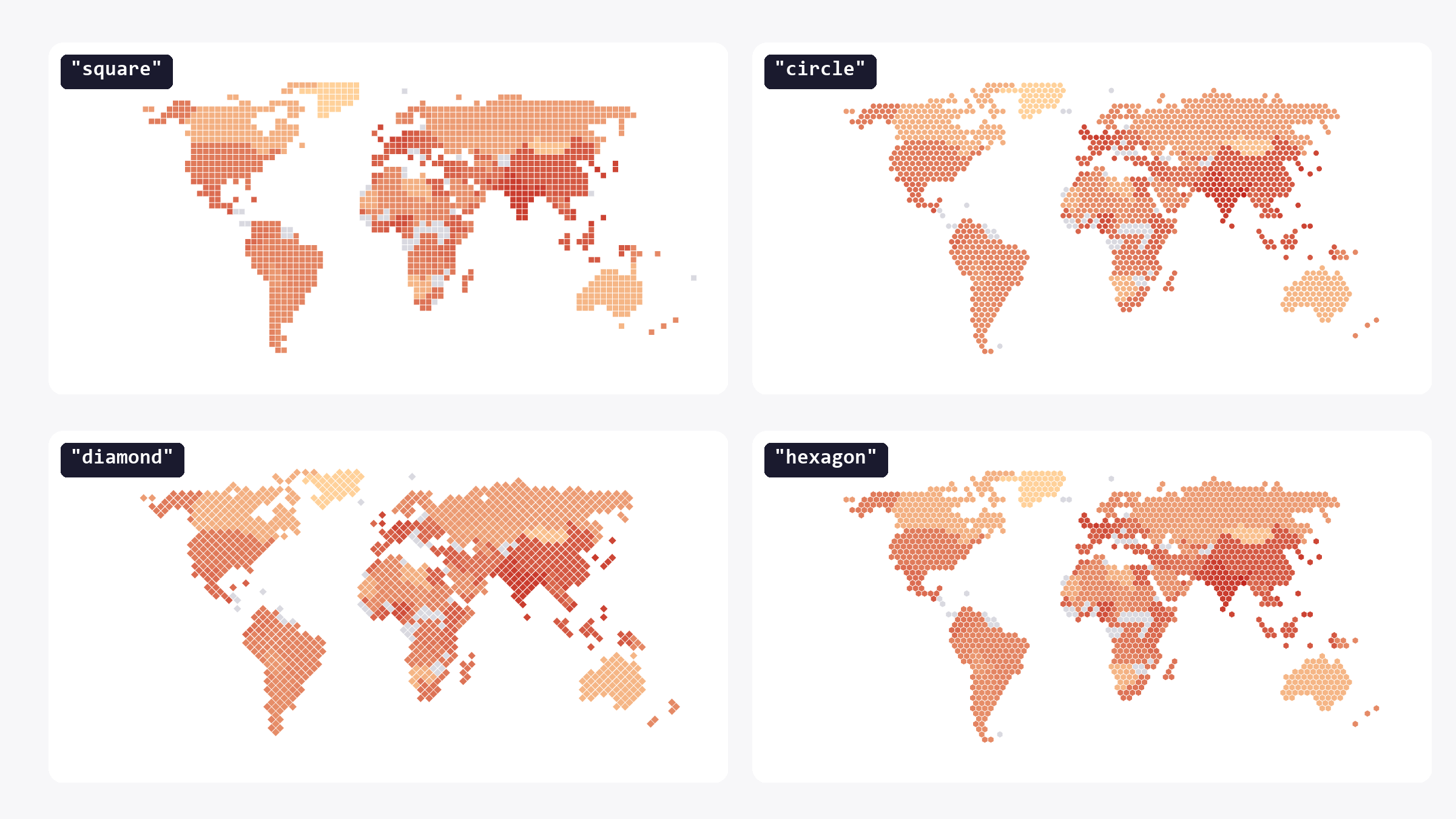
pixelType sets the shape: "square", "circle", "diamond" or "hexagon". step sets the spacing in degrees, pixelSize how much of it each pixel fills. At 1, pixels touch.
By default the grid follows the map’s projection. Set uniform: true for an even, upright grid on screen instead, every pixel the same size.
Color by value
Heat rules color the pixels from your data:
pixelSeries.set("heatRules", [{
  target: pixelSeries.mapPolygons.template,
  dataField: "value",
  min: am5.color(0xffd19a),
  max: am5.color(0xb3261e),
  key: "fill"
}]);
3D columns
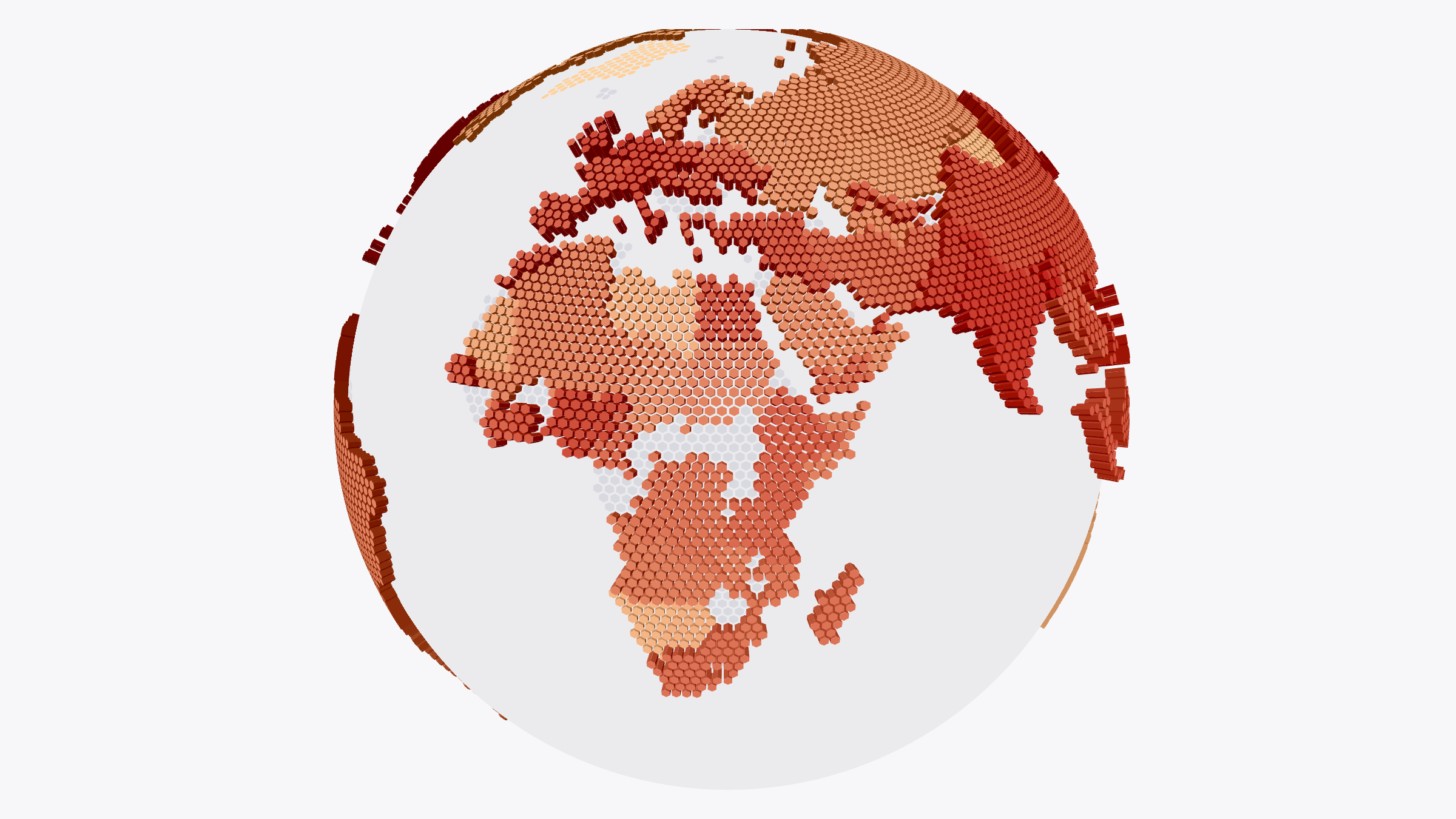
Set columnHeight and pixels rise into columns, tallest for the highest value. It works on flat maps and on globes, and the columns turn with the globe.
am5map.PixelMapSeries.new(root, {
  geoJSON: am5geodata_worldLow,
  valueField: "value",
  calculateAggregates: true,
  columnHeight: 0.2
})
Heights can also come from a heat rule (key: "pixelHeight") or a function that sets each pixel’s height on its own.
See the Pen Globe with value columns by amCharts (@amcharts) on CodePen.
Ready for SVG
Pixel maps work with SVG rendering and export. In an exported SVG, each country’s pixels are a group named after it, so the file is easy to edit in Illustrator or Figma.
Pixel map series documentation
Get amCharts 5.21
- npm:
npm install @amcharts/amcharts5 - CDN:
https://cdn.amcharts.com/lib/5/index.js
All options: amcharts.com/download
Everything else in 5.21: changelog