Official amCharts 5 packages for React, Vue, Angular, Svelte and React Native
amCharts 5 now has official packages for five frameworks. Each one creates the chart with your component and disposes it with it. You can write the chart in code, as in any amCharts example, or pass a JSON config.
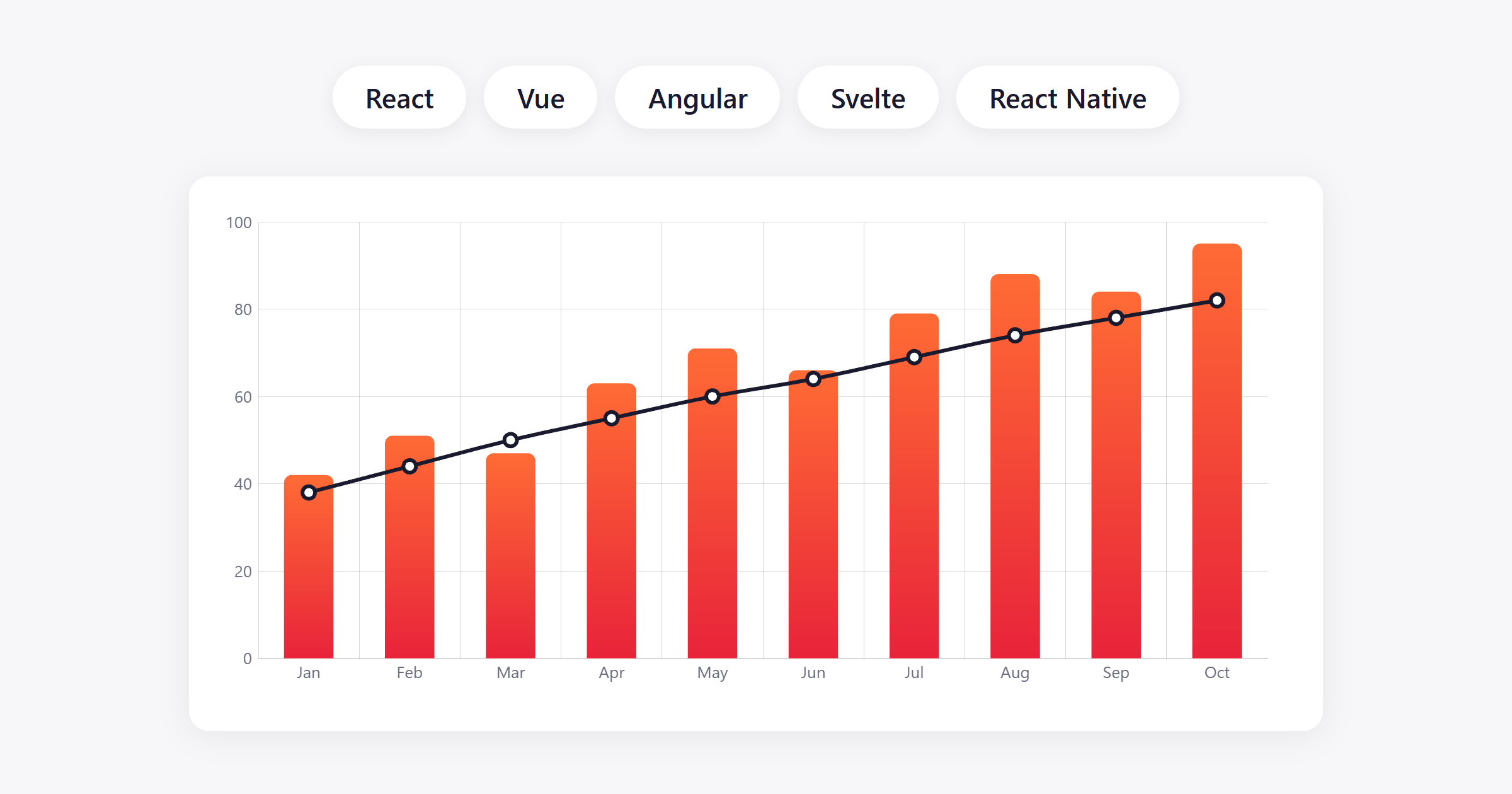
| Framework | Package | Needs |
|---|---|---|
| React | @amcharts/amcharts5-react | React 18+ |
| Vue | @amcharts/amcharts5-vue | Vue 3.5+ |
| Angular | @amcharts/amcharts5-angular | Angular 19+ |
| Svelte | @amcharts/amcharts5-svelte | Svelte 4+ |
| React Native | @amcharts/amcharts5-react-native | React Native 0.72+ |
The web packages need amCharts 5.21 or later.
A chart written in code
Each package gives your setup function a new root. Build the chart in it as in any amCharts example. In React:
import { useAmChart } from "@amcharts/amcharts5-react";
import * as am5xy from "@amcharts/amcharts5/xy";

function VisitsChart({ data }) {
  const { ref } = useAmChart((root) => {
    const chart = root.container.children.push(am5xy.XYChart.new(root, {}));
    // axes, series, data...
  }, [data]);

  return <div ref={ref} style={{ height: 400 }} />;
}
Vue has the same as a composable (useAmChart), Angular as a directive ([amChart]), and Svelte as an attachment (attachAmChart) or an action for Svelte 4.
When a dependency changes, the chart is made again. To update it without that, keep the series your setup returns and set its data.
A chart from a JSON config
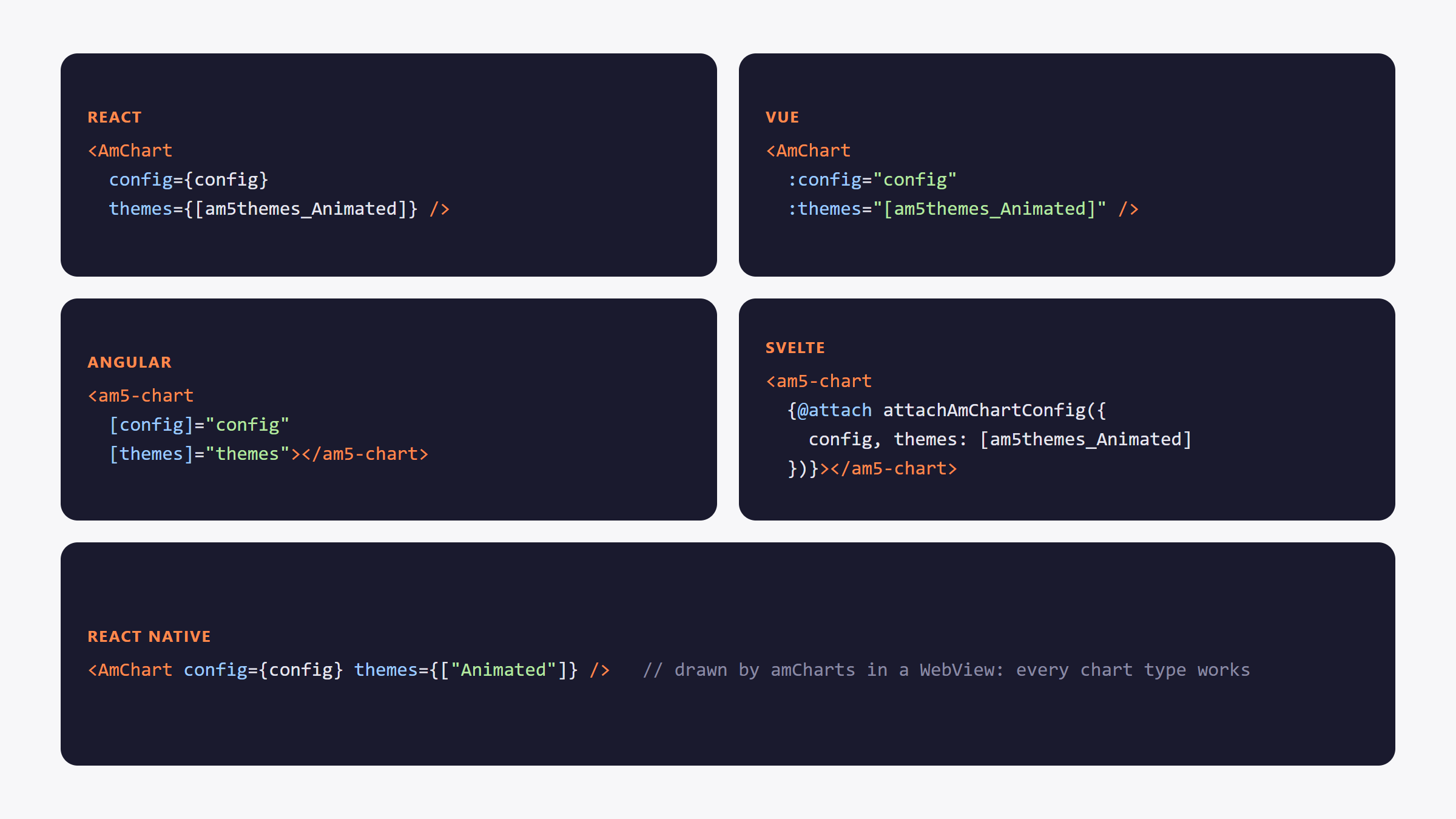
Pass a config and the component builds the chart. It’s the <am5-chart> element from 5.21, wrapped for each framework. Configs can come from a URL too, and the chart types they use load on their own.
Server rendering
The web packages load amCharts in the browser only, so they work in pages rendered on the server: Next.js, Nuxt, Angular SSR, SvelteKit. Mostly nothing has to be configured.
React Native
The React Native package draws the chart with amCharts itself, in a WebView. Every chart type, theme and feature works as on the web, canvas or SVG. It works in Expo Go, and the library loads from the amCharts CDN, so you don’t install @amcharts/amcharts5 at all.
Charts can send events back to the app, so a tap on a column can open a screen.
Also handled
- SVG rendering:
renderer: "svg"on any of them. - React strict mode.
- Errors go where your framework expects them: React’s error boundary, Vue’s
errorHandler, Angular’sErrorHandler. - A commercial license key removes the logo as before:
am5.addLicense()once when the app starts, or thelicensesprop in React Native.
Get them
npm install @amcharts/amcharts5 @amcharts/amcharts5-react
npm install @amcharts/amcharts5 @amcharts/amcharts5-vue
npm install @amcharts/amcharts5 @amcharts/amcharts5-angular
npm install @amcharts/amcharts5 @amcharts/amcharts5-svelte
npm install @amcharts/amcharts5-react-native react-native-webviewExample apps for Vite, Next.js, React Router, Astro, Nuxt, Angular, SvelteKit and Expo: GitHub