Growing Pattern Catalog
Two new pattern types, a faster way to rotate any shape-grid pattern, and PathPattern reworked to tile properly.
StarPattern
A grid of stars. Spike count and inner radius are configurable, so it covers everything from a sharp 5-point star to a soft rosette.
series.set("fillPattern", am5.StarPattern.new(root, {
  color: am5.color(0x000000),
  radius: 6,
  innerRadius: am5.percent(45),
  spikes: 6,
  gap: 3,
  checkered: true
}));| Setting | Default | Description |
|---|---|---|
radius | 5 | Outer radius of the star, in pixels. |
innerRadius | 50% | Inner radius — absolute pixels or a percent of radius. Higher values make a blunter, flower-like shape. |
spikes | 5 | Number of spikes. |
gap | 6 | Gap between stars, in pixels. |
checkered | false | Place every second star, for a checkered layout. |
centered | true | Center stars in their grid cell. |
rotateShapes | false | See below. |
TrianglePattern
A grid of triangles, sized by bounding box.
series.set("fillPattern", am5.TrianglePattern.new(root, {
  color: am5.color(0x000000),
  maxWidth: 8,
  maxHeight: 8,
  gap: 6,
  rotation: 180,
  rotateShapes: true
}));| Setting | Default | Description |
|---|---|---|
maxWidth | 8 | Triangle width, in pixels. |
maxHeight | 8 | Triangle height, in pixels. |
gap | 6 | Gap between triangles, in pixels. |
checkered | false | Place every second triangle. |
centered | true | Center triangles in their grid cell. |
rotateShapes | false | See below. |
Set rotation: 180 with rotateShapes: true to flip the triangles point-down.
rotateShapes
New on RectanglePattern, and supported by both new patterns.
By default, rotation rotates the whole pattern tile. That works, but an axis-aligned tile isn’t periodic once you rotate it, so the tile has to be large enough to avoid seams — which costs memory and draw time.
With rotateShapes: true, rotation instead spins each shape around its own center while the grid stays axis-aligned. That tiles seamlessly at any angle, and a small width/height is enough.
// 45° diamonds from a tiny tile
series.set("fillPattern", am5.RectanglePattern.new(root, {
  color: am5.color(0x000000),
  width: 14,
  height: 14,
  maxWidth: 11,
  maxHeight: 11,
  gap: 7,
  rotation: 45,
  rotateShapes: true
}));
For diagonal hatching specifically, LinePattern already has its own angle setting — keep using that.
PathPattern now repeats on a grid
PathPattern used to draw the SVG path once and leave the repetition to the rendering engine. It now lays the motif out on a grid itself, the same way the other shape patterns do, and gains the matching settings:
| Setting | Default | Description |
|---|---|---|
gap | 6 | Gap between motifs, in pixels. |
maxWidth / maxHeight | 10 | The path is scaled, keeping aspect ratio, to fit this box. |
checkered | false | Place every second motif. |
centered | true | Center motifs in their grid cell. |
rotation here always rotates each motif around its own center, so PathPattern tiles seamlessly at any angle without needing rotateShapes.
Smaller tiles
Shape-grid patterns now shrink an oversized width/height down to the minimal seamless repeat unit — one cell, or 2×2 when checkered. The result looks identical, just with less memory and draw time. It’s skipped when a whole-pattern rotation is in play (which isn’t periodic on an axis-aligned tile) or when repetition isn’t "repeat".
Practically: you no longer need to hand-tune tile size for performance. Set radius/maxWidth/gap and leave width/height alone.
Fixes
LinePatternwith a non-zeroanglecould show a seam instead of tiling seamlessly.LinePatternwith a non-zerorotationcould render broken or dashed lines after the tile-size optimization. The auto-shrink is now skipped whenrotationis set.RectanglePatternandCirclePatternwith a non-zerorotationcould render nothing at all on larger tiles.
See also
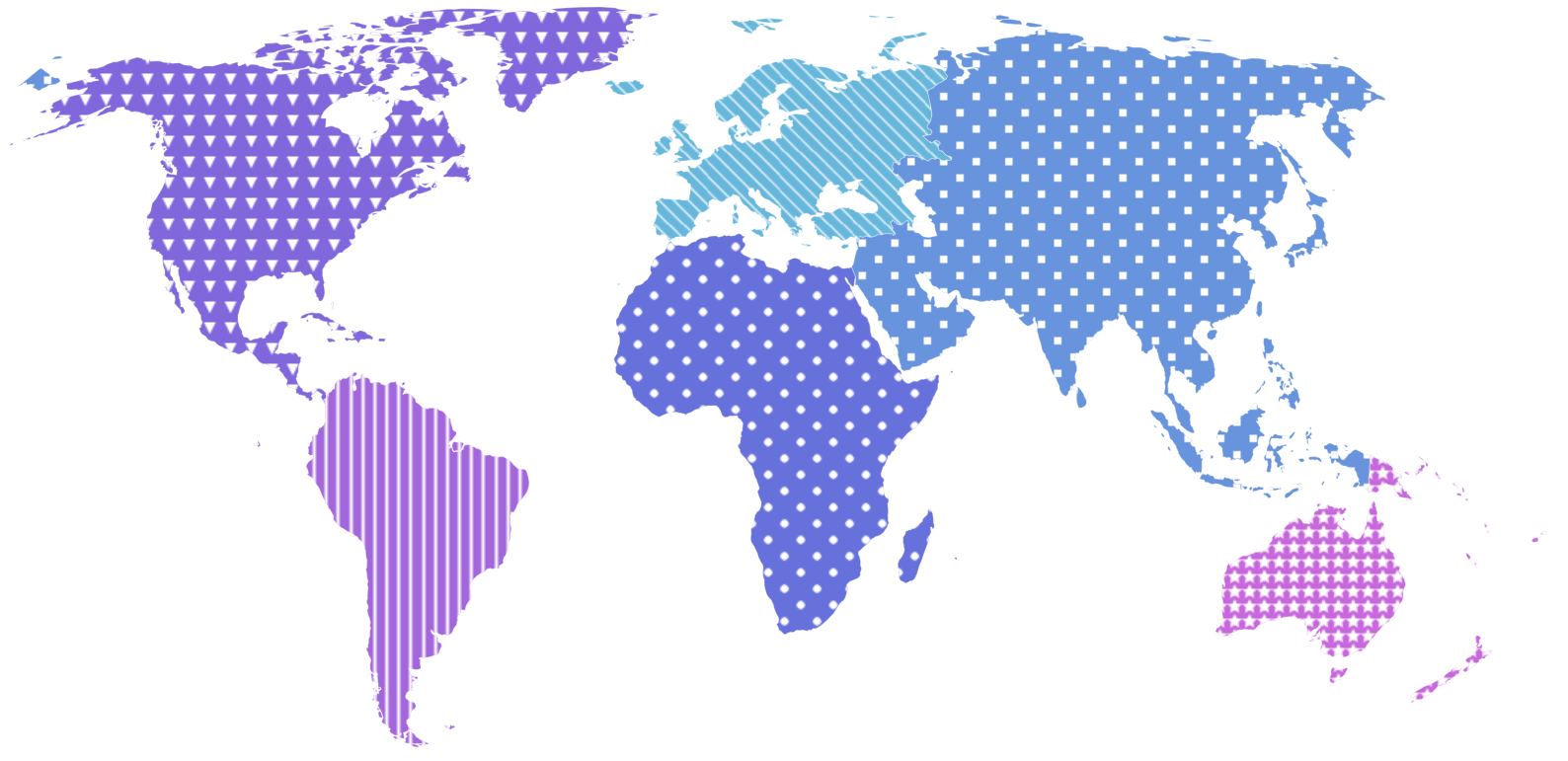
The new Patterns / PatternsDark themes use all of this — they encode series by shape instead of hue, which stays legible for all forms of color blindness and survives black-and-white printing.