In amCharts 4, labels - be it bullets, axis values, or just about any other text - are not limited to just font size and color. This tutorial will show how you can set background color and shape for them as well.
Enabling label background
Whenever you see text on a chart, it is represented by an object of type Label.
As it happens it's also a Container which means that it has a property background.
Background holds an instance of Rectangle which covers the whole area of the label, and acts as its background, but is disabled by default by not have any fill set to it.
All we need to bring it to life is to set a fill color.
As an example, let's make a label of a LabelBullet fill with a whitish background:
let bulletLabel = series.bullets.push(new am4charts.LabelBullet());
bulletLabel.label.background.fill = am4core.color("#eee");
var bulletLabel = series.bullets.push(new am4charts.LabelBullet());
bulletLabel.label.background.fill = am4core.color("#eee");
{
  // ...
  "series": [{
    // ...
    "bullets": [{
      "type": "LabelBullet",
      // ...
      "label": {
        "background": {
          "fill": "#eee"
        }
      }
    }]
  }]
}
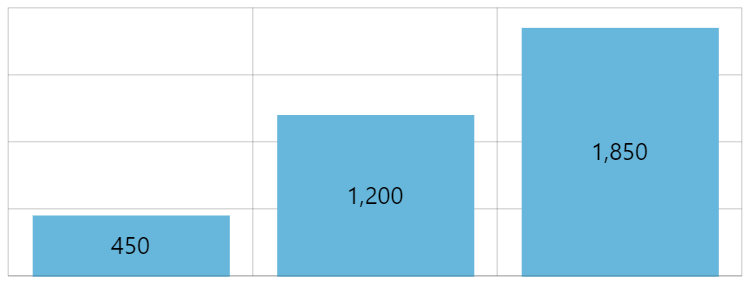
Default label bullet 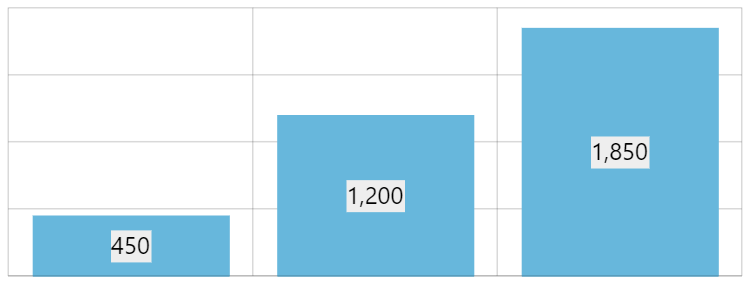
Label background fillset
Adding padding
As you can see from an example above, the background fits label text snugly, which might not look good.
Let's fix that by adding some padding to the label:
bulletLabel.label.padding(4, 8, 4, 8);
bulletLabel.label.padding(4, 8, 4, 8);
{
  // ...
  "series": [{
    // ...
    "bullets": [{
      "type": "LabelBullet",
      // ...
      "label": {
        "background": {
          // ...
          "paddingTop": 4,
          "paddingRight": 8,
          "paddingBottom": 4,
          "paddingLeft": 8
        }
      }
    }]
  }]
}
No label padding 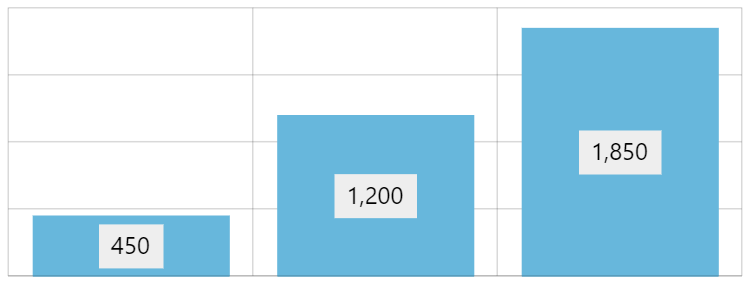
Labels with padding
Adding outline
We've already used label's background.fill to set background fill color.
Similarly, if we'd want to put a nice outline around the perimeter of the label, we could use background's stroke property.
There's one thing though: the outline for background is disabled by default by making it fully transparent. So, in order to make it visible, next to setting stroke we'll also need to reset its transparency using strokeOpacity.
bulletLabel.label.background.stroke = am4core.color("#555");
bulletLabel.label.background.strokeOpacity = 1;
bulletLabel.label.background.stroke = am4core.color("#555");
bulletLabel.label.background.strokeOpacity = 1;
{
  // ...
  "series": [{
    // ...
    "bullets": [{
      "type": "LabelBullet",
      // ...
      "label": {
        "background": {
          // ...
          "stroke": "#555",
          "strokeOpacity": 1
        }
      }
    }]
  }]
}
Border-less labels 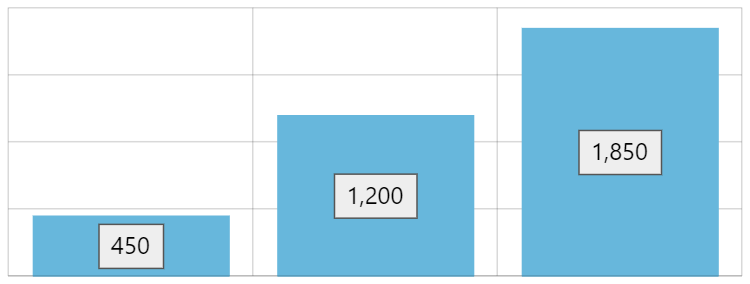
Labels with strokeenabled
Rounding corners
As we already mentioned, label's background is a Rectangle, which does not have capability of rounded corners.
Luckily, we can easily replace the default background with virtually anything, including RoundedRectangle which does have options for rounding its corners.
bulletLabel.label.background = new am4core.RoundedRectangle();
bulletLabel.label.background.cornerRadius(5, 5, 5, 5);
bulletLabel.label.background = new am4core.RoundedRectangle();
bulletLabel.label.background.cornerRadius(5, 5, 5, 5);
{
  // ...
  "series": [{
    // ...
    "bullets": [{
      "type": "LabelBullet",
      // ...
      "label": {
        "background": {
          "type": "RoundedRectangle",
          "forceCreate": true,
          "cornerRadiusTopLeft": 5,
          "cornerRadiusTopRight": 5,
          "cornerRadiusBottomRight": 5,
          "cornerRadiusBottomLeft": 5,
          // ...
        }
      }
    }]
  }]
}
Regular rectangle background 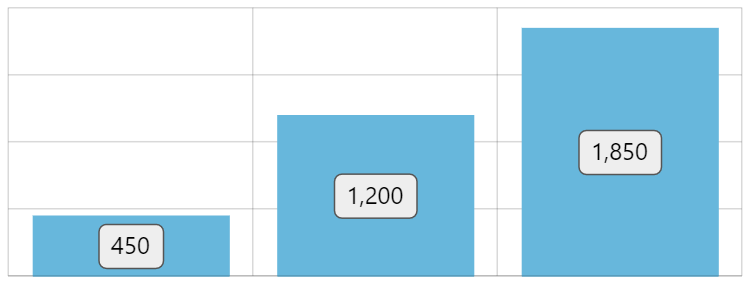
Background as RoundedRectangle
Example
See the Pen amCharts 4: Label background by amCharts team (@amcharts) on CodePen.