To streamline JSON config editing, use amCharts Editor. It supports most charts (except Gantt and Stock Chart), and can be used to build a chart from scratch from one of the 60+ templates or import your own JSON config.
Building a chart
- Open amCharts Editor
- Select a template
- Edit data and config
- Download as standalone HTML or JSON
- Alternatively, publish it for embedding into any CMS (Pro, paid feature)
The editor uses JSON config for output.
Importing an existing chart
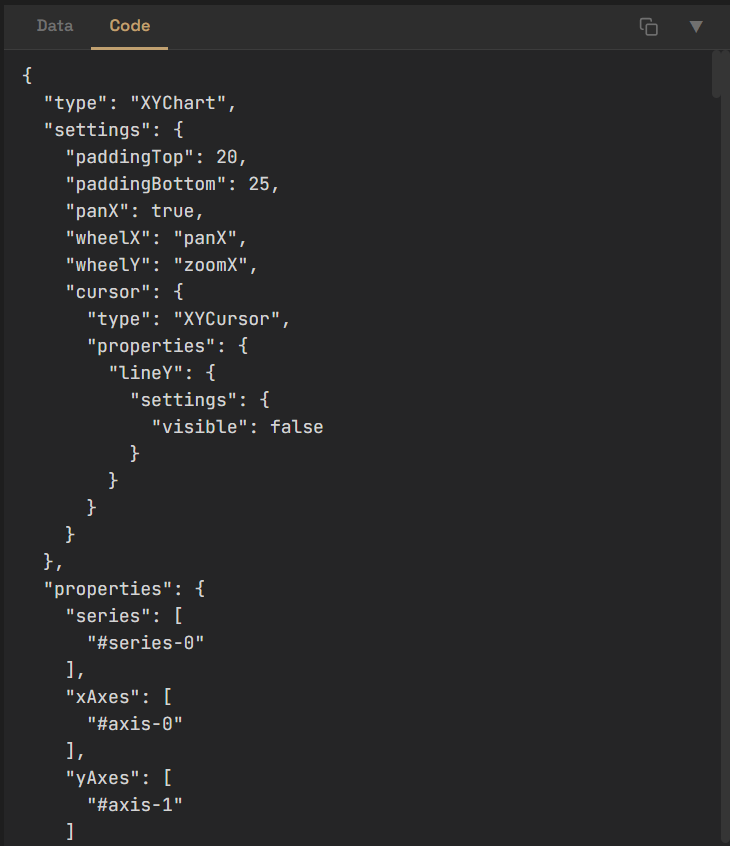
Start a new chart from a template then switch to Code tab and paste your JSON config. The editor will parse it automatically and updated UI accordingly. From that point onward, edit your chart via UI.
Converting JSON to code
Ask your AI agent to do that, they can handle that.
Make sure it's using amCharts MCP server.
Convert this amCharts 5 JSON config into procedural code:

{
  "type": "XYChart",
  ...
}